OneDrive KFM: Never Lose a Desktop File Again
OneDrive KFM is oneDrive Known Folder Move (KFM) protects desktop, documents, and pictures with automatic cloud sync, backup resilience, and recovery options.
Learn how OneDrive Known Folder Move (KFM) protects desktop, documents, and pictures with automatic cloud sync, backup resilience, and recovery options.
ARC Team
· Updated May 14, 2026 · ARC Team

Users still keep critical files on desktop folders that are never backed up. One device failure can become a business incident.
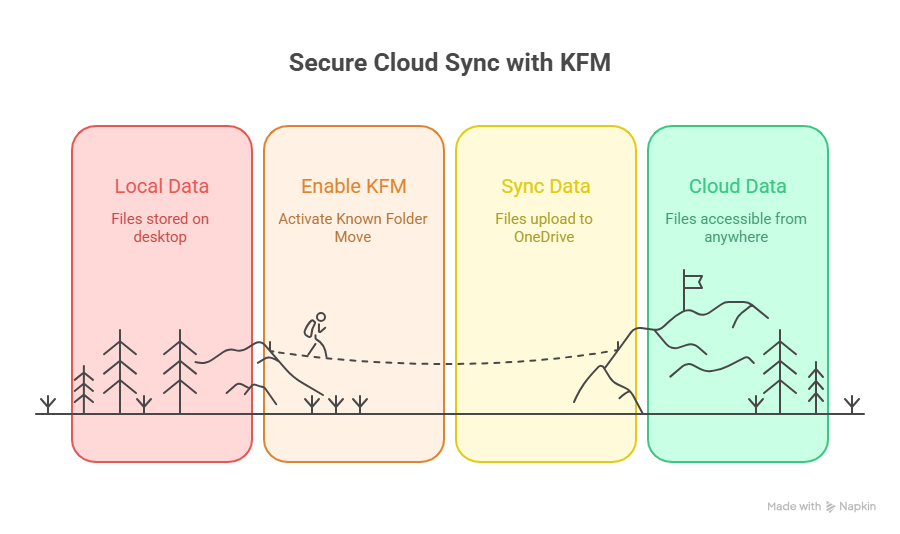
OneDrive Known Folder Move (KFM) addresses this risk by syncing key local folders into managed cloud storage automatically.
What KFM Changes Operationally
- Redirects Desktop, Documents, and Pictures to OneDrive.
- Protects files continuously instead of relying on manual copy habits.
- Improves recovery after endpoint failure or ransomware impact.
- Supports secure remote work with consistent file availability.
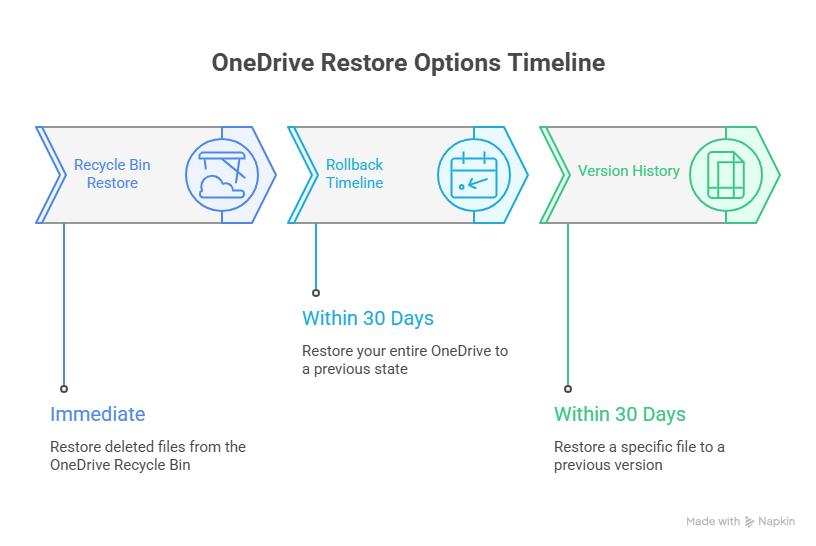
Restore and Recovery Options
| Recovery Option | Typical Time Window | Best Use Case |
|---|---|---|
| Recycle Bin restore | Immediate | Accidental deletion |
| OneDrive rollback | Within 30 days | Broad corruption or ransomware event |
| Version history restore | Within 30 days | Single file recovery |
Step-by-Step KFM Rollout
- Validate device readiness and OneDrive client health.
- Enable KFM policies for pilot user groups.
- Monitor sync status and user feedback.
- Expand rollout in phases and track recovery metrics.
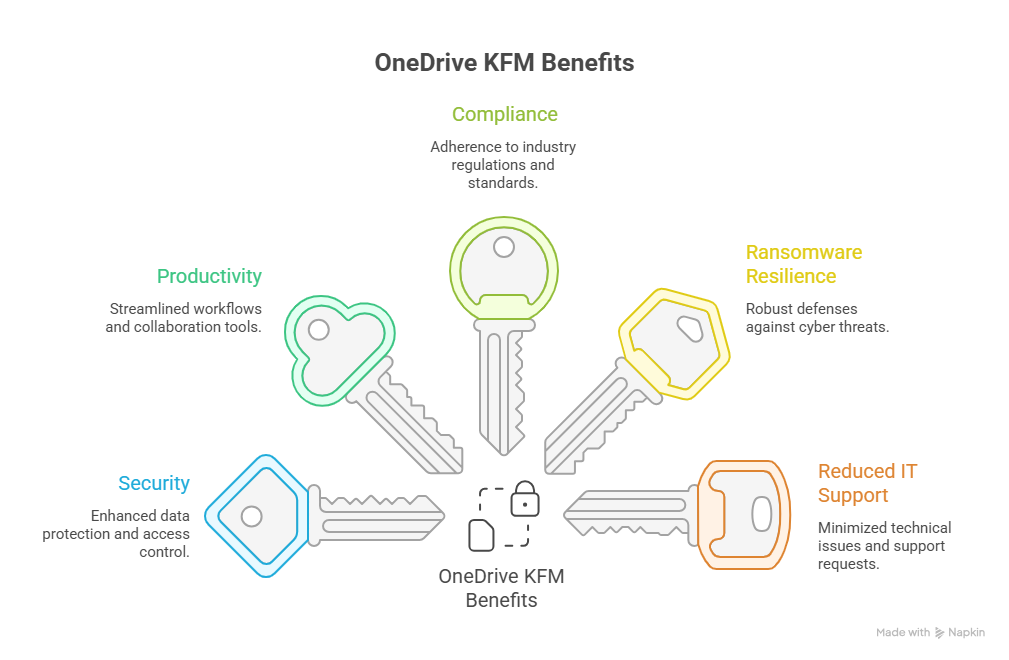
Business Benefits of KFM at Scale
- Better compliance and audit posture.
- Lower support tickets for missing local files.
- Stronger security through centralized control.
- Higher productivity with anywhere access.
Frequently Asked Questions
Does KFM move existing files automatically?
Will KFM increase network usage during rollout?
Can KFM help ransomware recovery efforts?
Conclusion
KFM is one of the fastest ways to improve endpoint resilience and reduce file loss incidents in Microsoft 365 environments.
If your organization is evaluating OneDrive KFM rollout, ARC can help with strategy, implementation, governance, and optimization.
Frequently Asked Questions
How can this help my business?
What is the typical implementation timeline?
Do you provide ongoing support after implementation?
What industries do you serve?
How do you measure project success?

ARC Team
ARC Team
AI-powered Microsoft Solutions Partner delivering enterprise solutions on Azure, SharePoint, and Microsoft 365.
LinkedIn Profile