Secure Files Instantly with OneDrive Personal Vault
Secure Files Instantly with OneDrive Personal Vault is oneDrive Personal Vault adds identity verification and stronger protection for sensitive files such as legal, financial, and identity documents.
Learn how OneDrive Personal Vault adds identity verification and stronger protection for sensitive files such as legal, financial, and identity documents.
ARC Team
· Updated May 11, 2026 · ARC Team

Some files should never be treated like normal cloud documents. Tax records, passports, contracts, and identity files require stronger protection.
OneDrive Personal Vault adds an additional security layer for exactly these high-sensitivity assets.
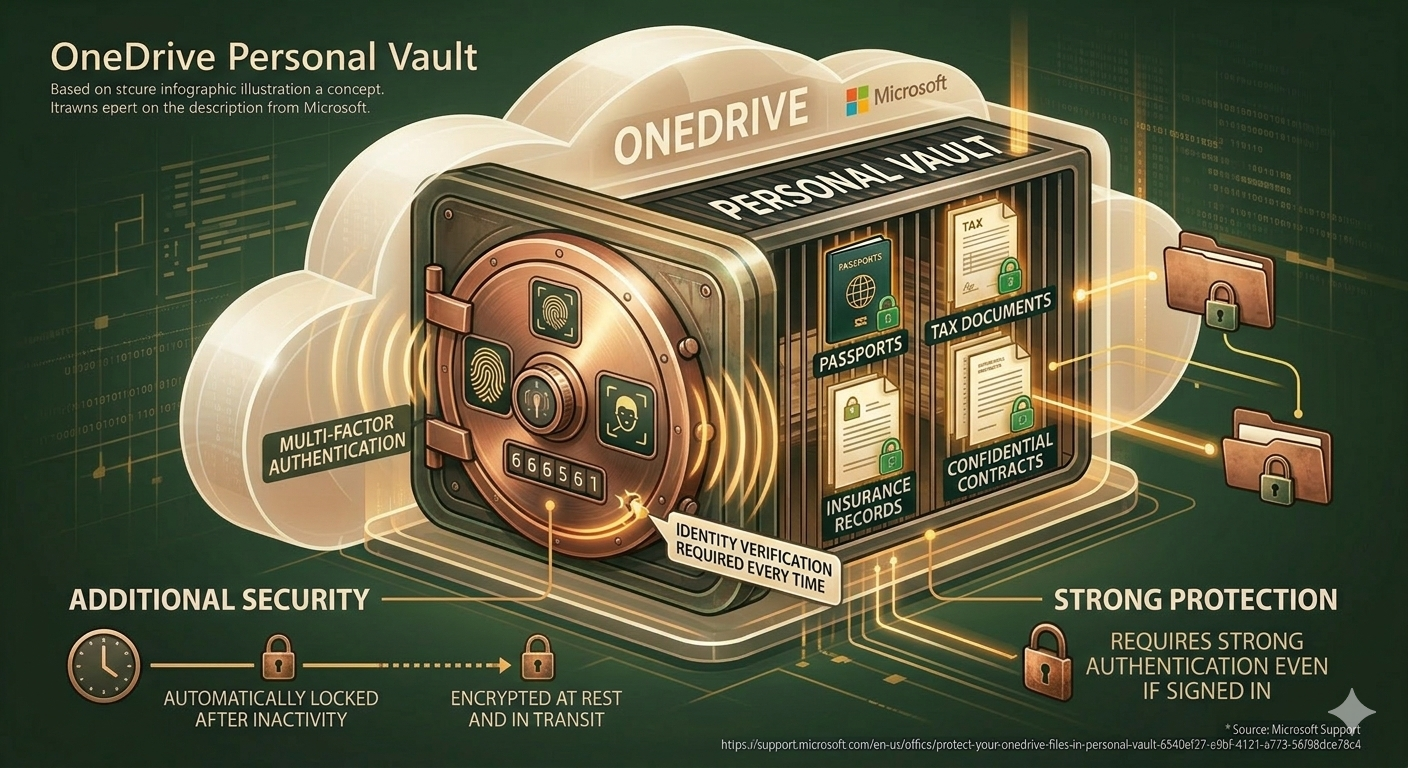
What Personal Vault Adds Beyond Standard Storage
- Extra identity verification before access.
- Automatic lock after inactivity.
- Encryption in transit and at rest.
- Isolated location for sensitive documents.
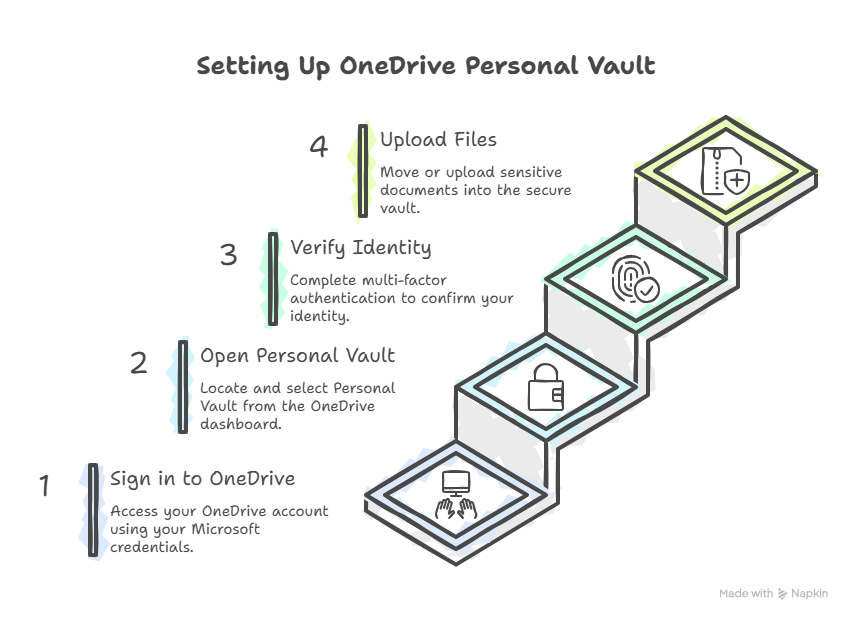
Step-by-Step Setup Process
| Step | Action | Outcome |
|---|---|---|
| 1 | Sign in to OneDrive | Secure account context |
| 2 | Open Personal Vault | Dedicated protected area |
| 3 | Verify identity | Stronger access assurance |
| 4 | Upload sensitive files | Centralized secure storage |
Best Practices for Real-World Use
- Store only truly sensitive files in Personal Vault.
- Keep strong MFA enabled on the account.
- Review stored files quarterly and remove outdated records.
- Avoid sharing vault documents through unmanaged channels.
Business Value of Personal Vault Adoption
- Lower risk of accidental exposure for high-impact files.
- Better confidence for executives and finance teams.
- Clear security posture for audits and compliance reviews.
- Stronger user awareness of document sensitivity levels.
Frequently Asked Questions
Is Personal Vault only for home users?
Does Personal Vault replace broader governance controls?
What kind of files belong in Personal Vault?
Conclusion
OneDrive Personal Vault is a simple but powerful way to improve protection for your most sensitive files.
If your organization is exploring secure file controls in Microsoft 365, ARC can help with strategy, implementation, governance, and optimization.
Frequently Asked Questions
What is Zero Trust security?
How does Microsoft implement Zero Trust?
What compliance certifications does Microsoft support?
How do you assess security posture?
Can you help with regulatory compliance?

ARC Team
ARC Team
AI-powered Microsoft Solutions Partner delivering enterprise solutions on Azure, SharePoint, and Microsoft 365.
LinkedIn Profile