SharePoint Permissions: Fix Access Issues & Secure Access
SharePoint Permissions is sharePoint permission levels, inheritance, and governance practices to resolve access issues and reduce security risk.
Understand SharePoint permission levels, inheritance, and governance practices to resolve access issues and reduce security risk.
ARC Team
· Updated May 6, 2026 · ARC Team

Most SharePoint access problems are not platform bugs. They come from unmanaged inheritance breaks, direct user permissions, and inconsistent governance.
If users frequently report Access Denied errors or unexpected content visibility, your permission model likely needs restructuring.

How SharePoint Permissions Actually Work
Permissions are based on three elements:
- Permission levels (Read, Contribute, Edit, Full Control).
- Groups (SharePoint or Microsoft 365 groups).
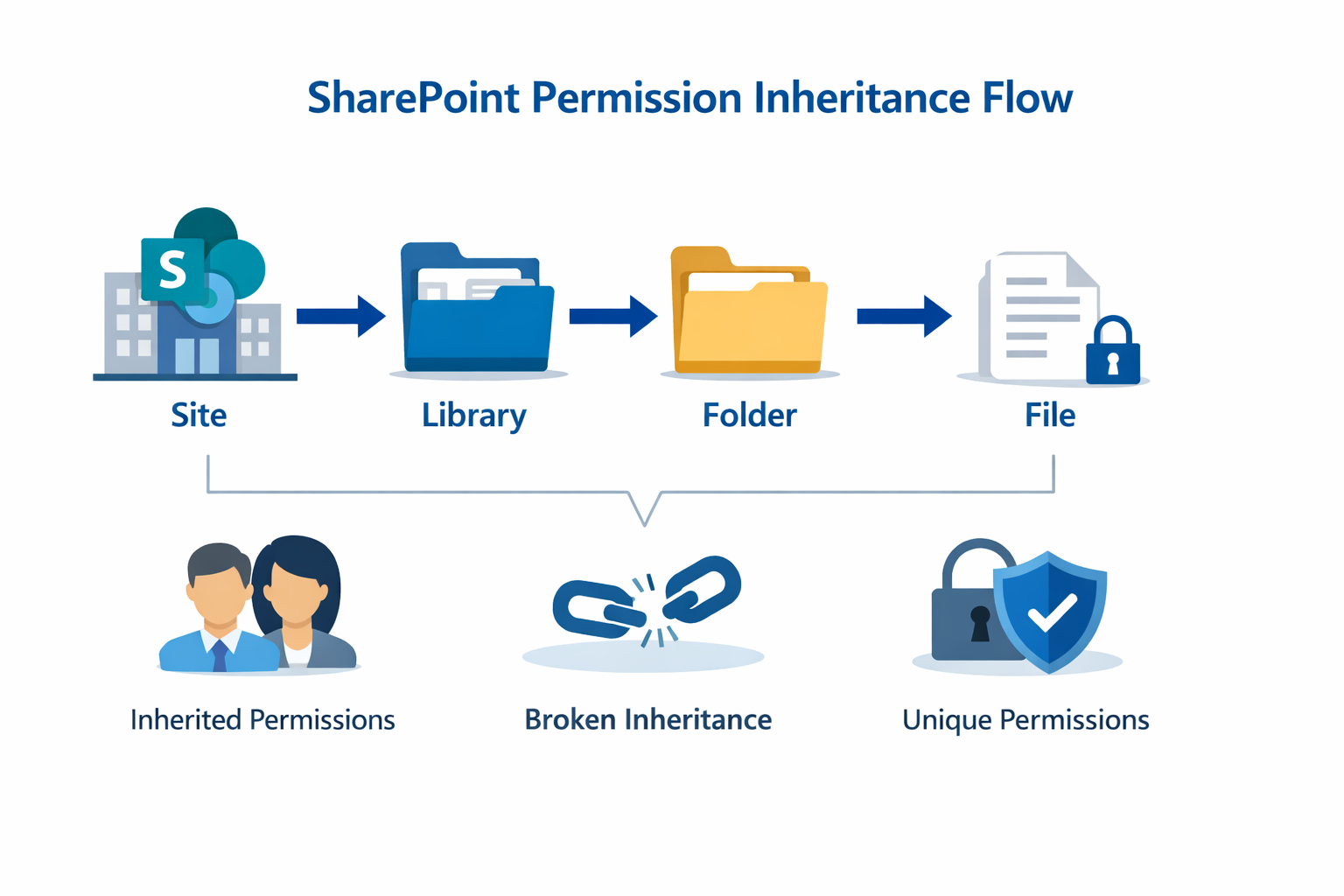
- Inheritance (site to library to folder to file).
Why Access Issues Keep Happening
- Direct permissions assigned to individuals.
- Too many broken inheritance paths.
- Folder-level exceptions added without lifecycle review.
- No periodic access audits after org or role changes.
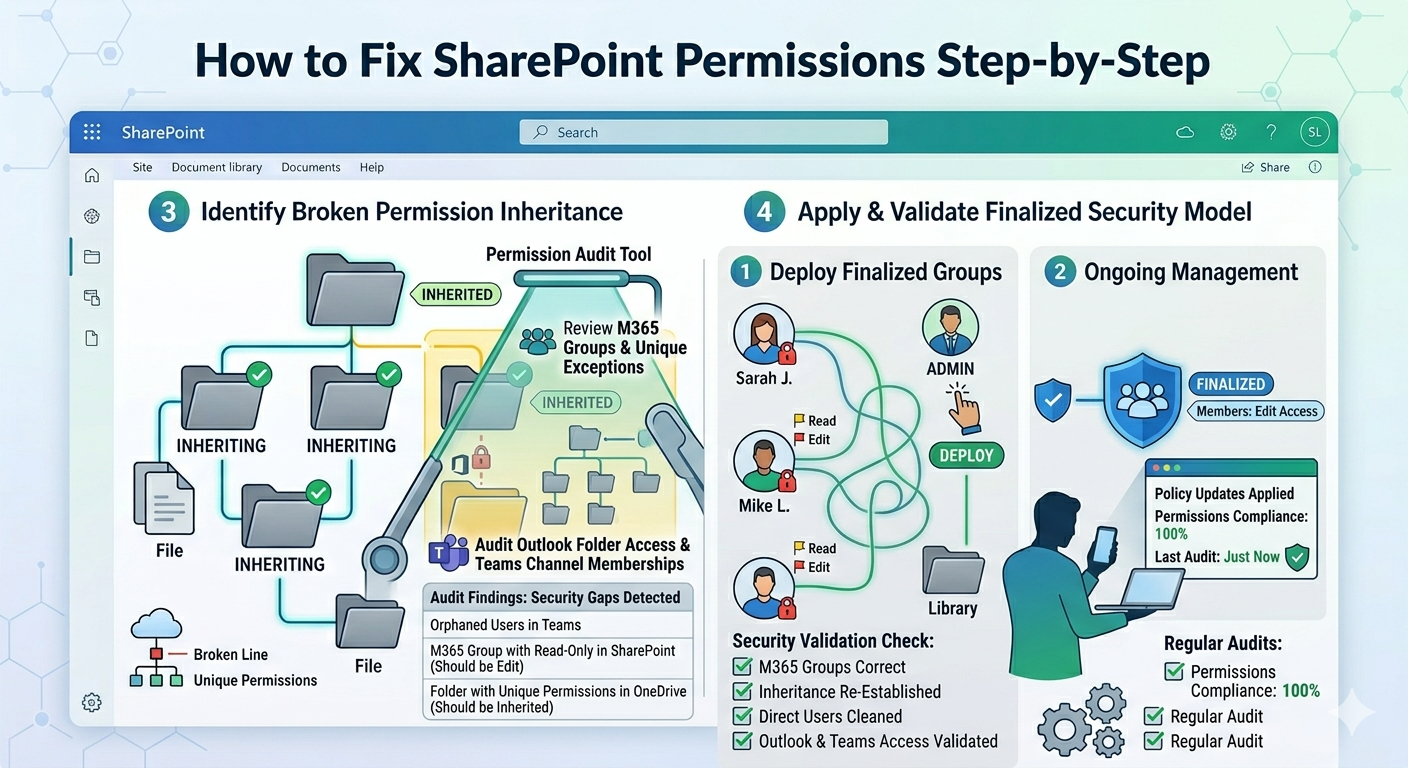
Step-by-Step Fix Plan
- Find where inheritance is broken.
- Replace direct user assignments with group-based access.
- Restore inheritance where possible.
- Review external links and guest access.
- Document exceptions for sensitive content.
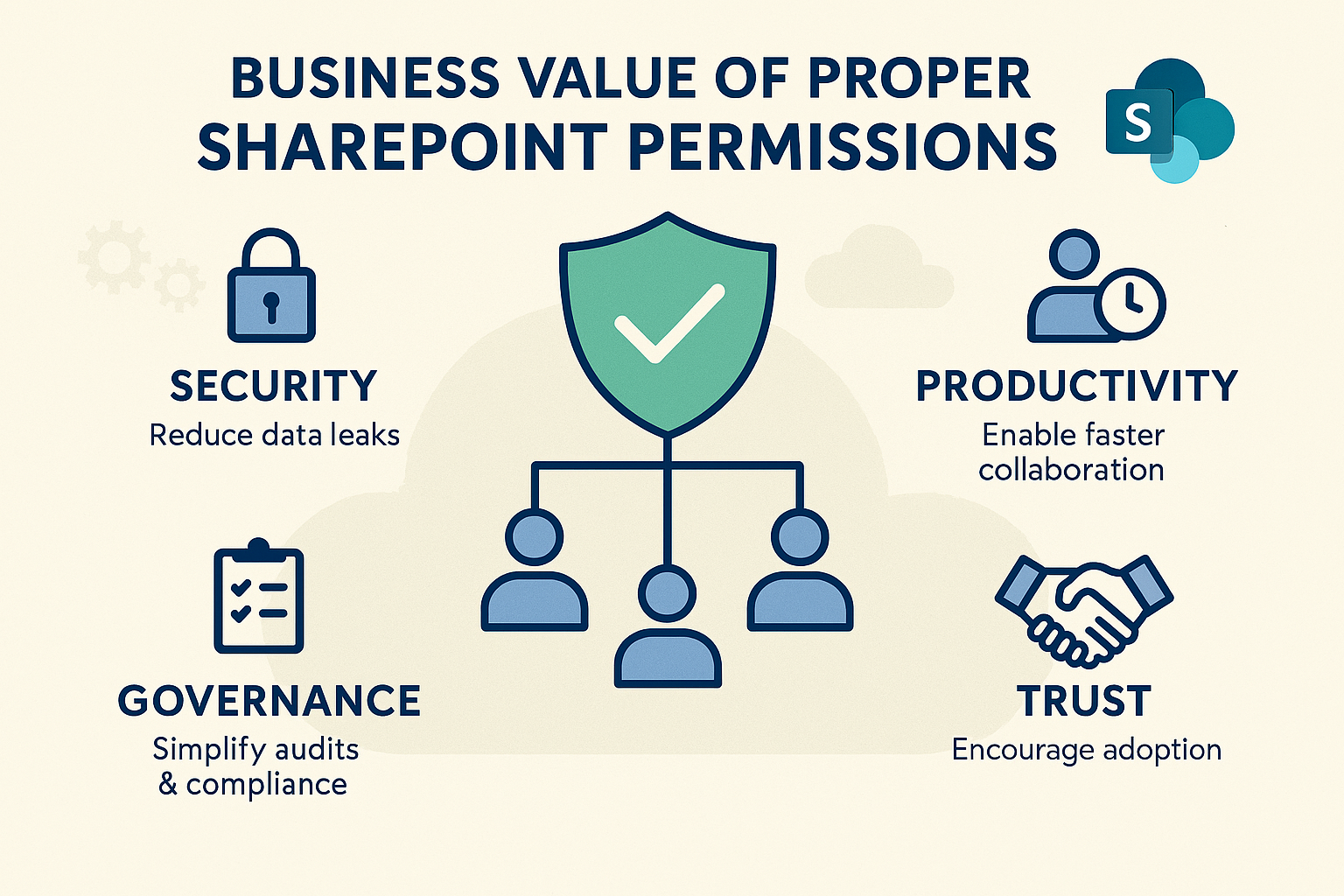
Business Value of Permission Discipline
- Reduced accidental data exposure.
- Faster access troubleshooting.
- Cleaner compliance evidence.
- Higher user trust in SharePoint access behavior.
Frequently Asked Questions
Why do users get Access Denied in SharePoint?
Should folder-level permissions be used often?
How often should permissions be reviewed?
Frequently Asked Questions
What is SharePoint Online?
How does SharePoint integrate with Microsoft Teams?
Can SharePoint handle enterprise-scale content?
Is SharePoint secure for sensitive documents?
How long does a SharePoint implementation take?

ARC Team
ARC Team
AI-powered Microsoft Solutions Partner delivering enterprise solutions on Azure, SharePoint, and Microsoft 365.
LinkedIn Profile