Intune Compliance Policies: Lock Down Devices Now
Intune Compliance Policies is master endpoint security and compliance with Microsoft Intune. Learn how to implement PCI and HIPAA-aligned controls, enforce device trust, and build audit-ready policy governance.
Master endpoint security and compliance with Microsoft Intune. Learn how to implement PCI and HIPAA-aligned controls, enforce device trust, and build audit-ready policy governance.
Al Rafay Consulting
· Updated June 19, 2026 · ARC Team

Security and compliance requirements are now shaping endpoint strategy as much as productivity goals. Distributed workforces, BYOD usage, and stricter regulations mean organizations need stronger policy enforcement across every device touching corporate data.
Organizations looking to strengthen this area can work with endpoint management services.
Microsoft Intune provides the operational control layer required to implement modern compliance programs. With the right policy architecture, Intune can help map endpoint controls to major frameworks like PCI DSS and HIPAA while maintaining a practical user experience.
What Is Microsoft Intune’s Role in Compliance?
Intune helps organizations enforce technical controls across managed devices and apps, including:
- Encryption and configuration standards
- Access control based on compliance state
- Security baseline hardening
- Continuous monitoring and reporting
- Integration with identity and risk signals
This turns endpoint governance from manual checks into policy-driven enforcement.
Endpoints as the Front Line of Risk
An endpoint is any device connecting to your organizational environment. In modern enterprises this includes laptops, mobiles, tablets, and virtual devices. Endpoints are frequent entry points for phishing, ransomware, and credential abuse, which makes endpoint hardening central to compliance programs.
Security Compliance Standards and Frameworks
Most organizations need to align with multiple obligations simultaneously:
- PCI DSS for cardholder data protection
- HIPAA for healthcare data safeguards
- ISO/NIST/SOC controls for broader governance and assurance
Intune doesn’t replace governance processes, but it provides policy and evidence mechanisms that make these frameworks operationally achievable.
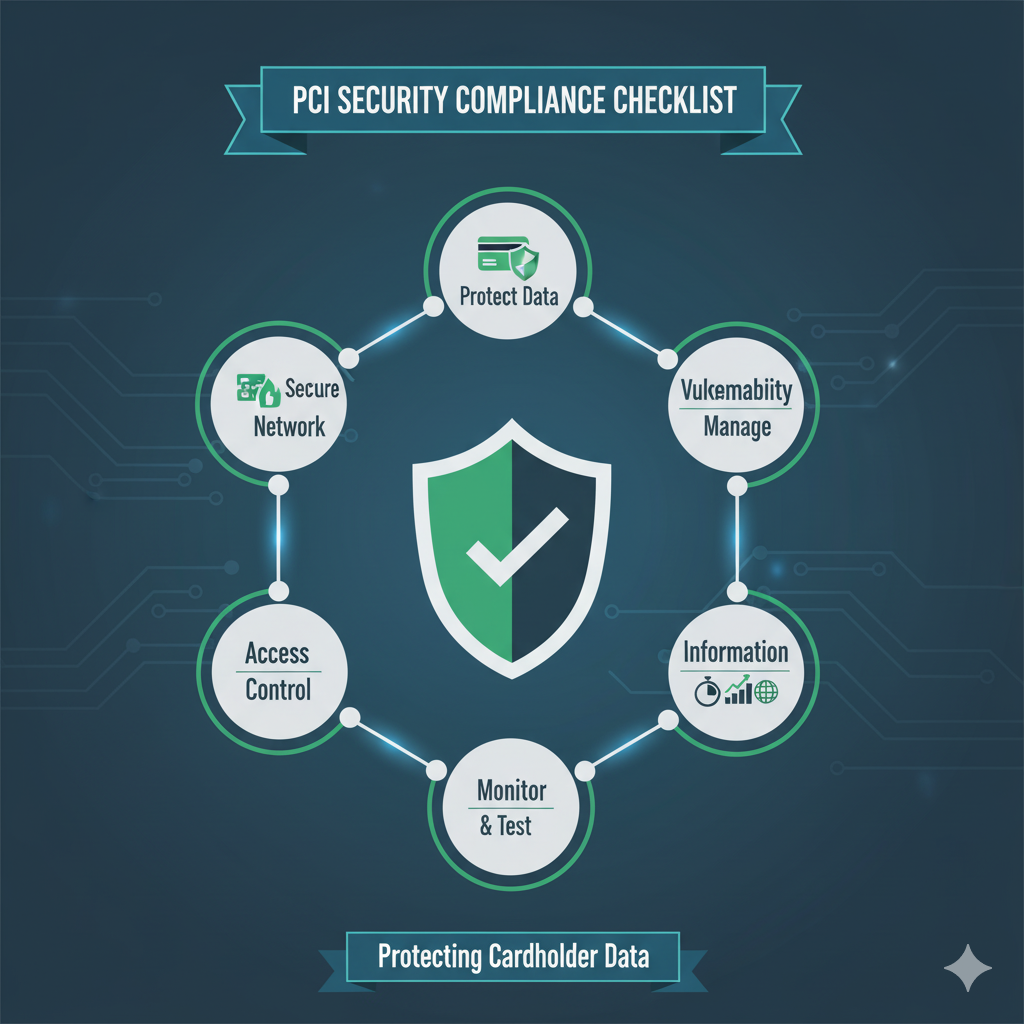
PCI Security Compliance Checklist with Intune Mapping
| PCI Control Theme | Intune-Aligned Enforcement |
|---|---|
| Protect stored data | BitLocker/FileVault policy enforcement |
| Access control | Entra MFA + Conditional Access + role-based controls |
| Vulnerability management | Patch/update compliance policies and baseline drift detection |
| Monitoring and testing | Audit reports, compliance dashboards, and integration with security tools |
| Secure configuration | Security baselines for standardized hardening |
The most common compliance failure is inconsistent enforcement across device groups. Standardized policy assignment and compliance reporting are key to reducing audit risk.
HIPAA Cybersecurity Requirements in Practice
For healthcare scenarios, endpoint controls often need to demonstrate:
- ePHI encryption at rest and in transit
- Access restrictions based on user and device trust
- Logging and monitoring for investigations
- Device lifecycle controls (enroll, secure, retire)
- Incident response readiness for compromised endpoints
Intune can support these operational requirements when integrated with identity controls and defined governance ownership.
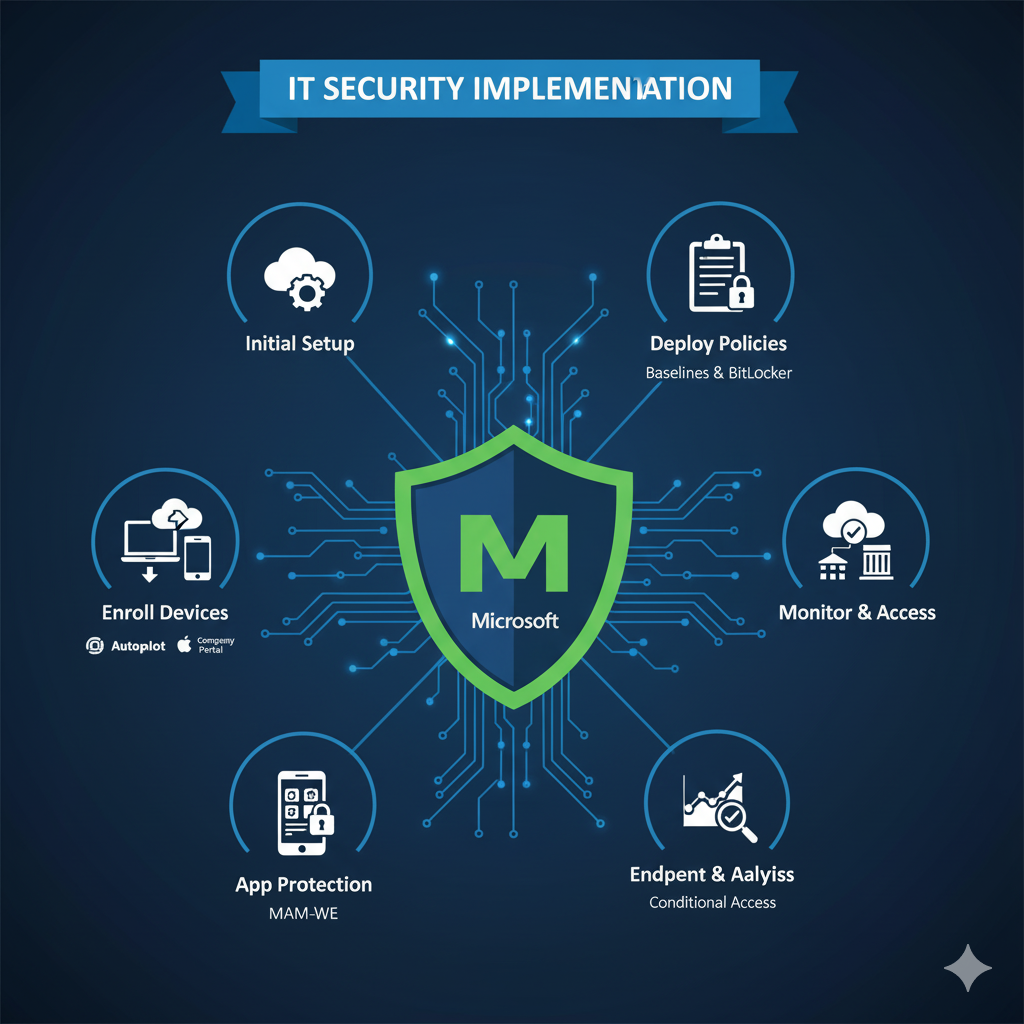
Step-by-Step Intune Compliance Implementation
| Phase | Focus | Outcome |
|---|---|---|
| Step 1: Baseline Governance | Define control owners, policy standards, and regulated data scope | Compliance-aligned operating model |
| Step 2: Device Compliance Rules | Encryption, OS version, password, risk checks | Trusted endpoint posture |
| Step 3: Conditional Access Enforcement | Block or restrict access for non-compliant devices | Policy-backed access control |
| Step 4: Security Baselines | Apply hardened settings to reduce attack surface | Consistent configuration security |
| Step 5: Reporting and Audit Readiness | Dashboards, logs, evidence workflows | Faster audits and incident response |
Step 1: Align Policy with Regulation Scope
Map business units and data handling patterns to required frameworks. Avoid one-size-fits-all policy bundles when risk tiers differ.
Step 2: Build Compliance Profiles Carefully
Start with pilot groups and tune controls before broad rollout. Overly strict settings too early can drive bypass behavior and support load.
Step 3: Link Compliance to Access Decisions
Use Conditional Access so sensitive apps are only available from compliant, policy-aligned devices.
Step 4: Operationalize Monitoring and Response
Define clear ownership for policy exceptions, remediation timelines, and compliance reporting cadence.
Step 5: Prepare for Ongoing Audits
Compliance is continuous. Treat evidence generation and control testing as recurring operational activities, not annual project work.
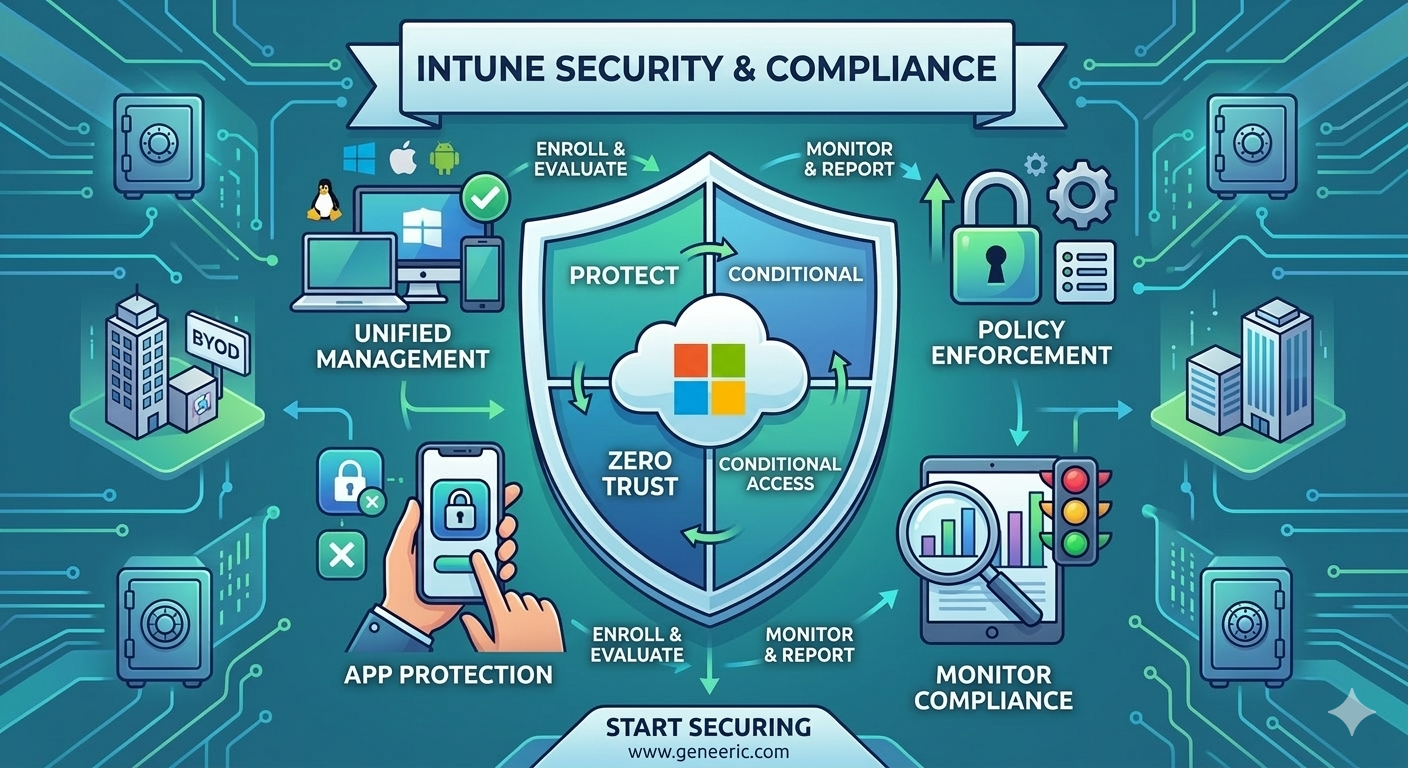
Intune in Zero Trust Security Strategy
Zero Trust requires continuous verification rather than implicit network trust. Intune supports this by checking device compliance before access is granted and combining endpoint posture with identity context.
Key Zero Trust contributions from Intune:
- Enforce trusted device posture
- Apply policy controls across device types
- Restrict data access for non-compliant states
- Improve signal quality for conditional access decisions
Business Value for Decision Makers
- Lower breach probability through standardized endpoint controls
- Stronger audit readiness with improved compliance evidence
- Reduced operational overhead by automating policy enforcement
- Improved trust posture with customers, regulators, and partners
- Better resilience through faster detection and remediation workflows
Common Pitfalls and How to Avoid Them
- Policy conflicts: simplify overlapping profiles and stage rollout
- Low adoption: provide user guidance and phased enforcement
- Weak ownership: assign policy, exception, and audit responsibilities clearly
- Overreliance on antivirus alone: combine AV with hardening, compliance, and identity controls
- Infrequent reviews: run recurring control validation and reporting cycles
Frequently Asked Questions
How does Intune help with PCI compliance?
Intune helps enforce endpoint controls such as encryption, patching, compliance posture checks, and policy-based access restrictions that support PCI control requirements.
Can Intune support HIPAA cybersecurity requirements?
Yes. Intune can support HIPAA-aligned endpoint controls including encryption, access enforcement, device security policy, and compliance monitoring when combined with appropriate governance.
What is the most common compliance implementation mistake?
Deploying strict controls globally without pilot validation often leads to user friction, exception sprawl, and policy bypass. Phased rollout with governance ownership is more effective.
How often should Intune compliance policies be reviewed?
At minimum quarterly, and more frequently for high-risk or regulated environments. Reviews should include policy effectiveness, exception trends, and new regulatory requirements.
Conclusion
Compliance and endpoint security are no longer separate programs. Microsoft Intune enables organizations to operationalize policy, enforce trust, and strengthen regulatory readiness through centralized endpoint control.
If your organization is exploring Intune compliance policy modernization, ARC can help with strategy, implementation, governance, and optimization.
Frequently Asked Questions
What is Microsoft Intune?
Microsoft Intune is a cloud-based endpoint management service that manages mobile devices, desktop computers, and applications — enforcing security policies and enabling secure access to corporate resources.
What devices can Intune manage?
Intune manages Windows, macOS, iOS, iPadOS, Android, and Linux devices. It supports both corporate-owned devices and BYOD (Bring Your Own Device) scenarios with appropriate policy controls.
How does Intune support Zero Trust security?
Intune is a core component of Zero Trust architecture — verifying device health and compliance before granting access to corporate resources through conditional access policies.
Can Intune replace SCCM (Configuration Manager)?
For cloud-first organizations, yes. Many organizations use co-management during transition, running both Intune and SCCM while gradually shifting workloads to cloud-native management.
How quickly can Intune be deployed?
Basic Intune setup takes 2-4 weeks. Full enterprise deployment with conditional access, compliance policies, app protection, and device enrollment typically takes 6-12 weeks.

Al Rafay Consulting
ARC Team
AI-powered Microsoft Solutions Partner delivering enterprise solutions on Azure, SharePoint, and Microsoft 365.
LinkedIn Profile