Microsoft Viva: Everything You Need to Know for Business Adoption
Microsoft Viva modules, business value, and adoption priorities so your organization can improve engagement, learning, and leadership visibility in Microsoft 365.
Understand Microsoft Viva modules, business value, and adoption priorities so your organization can improve engagement, learning, and leadership visibility in Microsoft 365.
ARC Team
· Updated July 3, 2026 · ARC Team

Microsoft Viva is not a single app. It is an employee experience layer across Microsoft 365 that connects communication, learning, insights, engagement, and now AI-assisted workflows through deep Microsoft 365 Copilot integration.
Organizations looking to strengthen this area can work with Microsoft Viva implementation.
Organizations looking to strengthen this area can work with Microsoft Viva implementation.
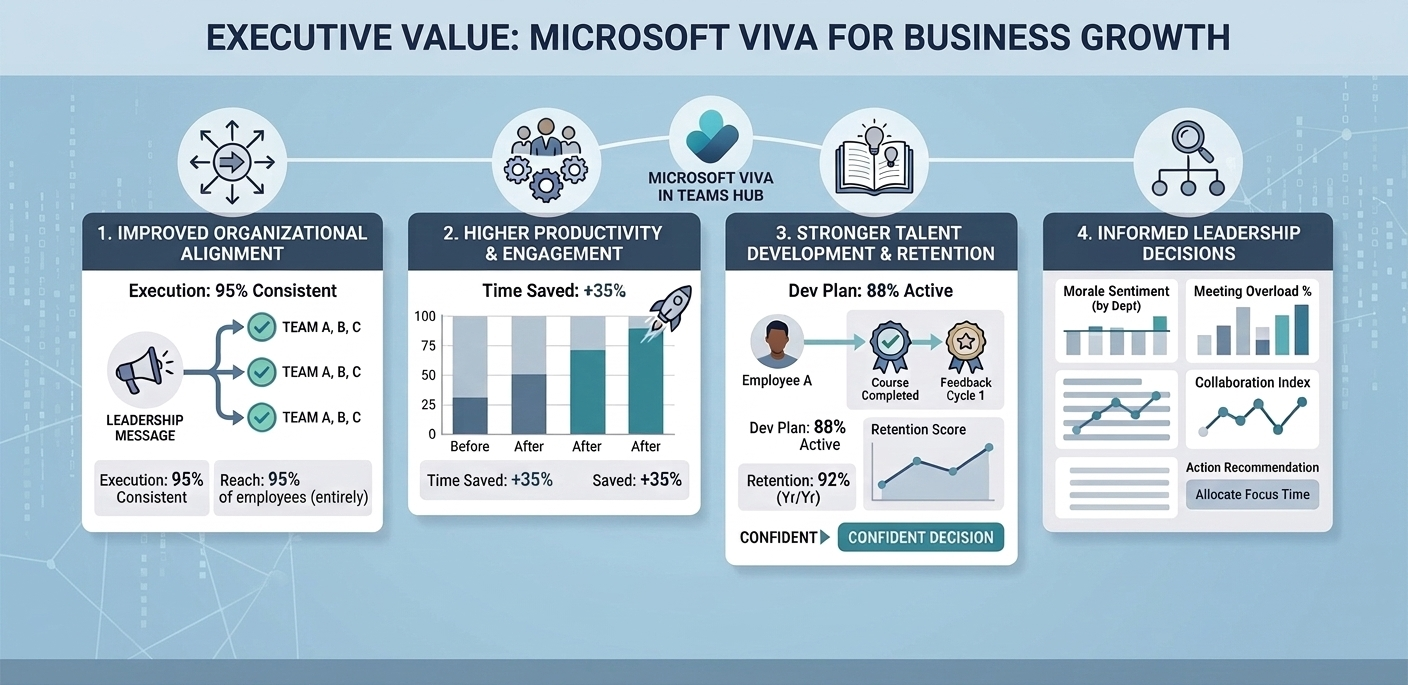
Organizations that adopt Viva strategically often improve productivity, alignment, and talent retention at the same time. In 2026, Viva has matured significantly — with Copilot embedded across modules, Viva Pulse now generally available, and Yammer fully retired in favor of Viva Engage as the standard community platform.
Why Viva Matters to Leadership Teams
- Brings knowledge, communication, and learning into daily workflows.
- Improves visibility into engagement and workplace patterns with AI-assisted analytics.
- Supports manager effectiveness with actionable insights and Copilot-generated summaries.
- Strengthens culture during hybrid and distributed work through structured community and feedback tools.
- Provides a governed, privacy-safe way to understand workforce health at scale.
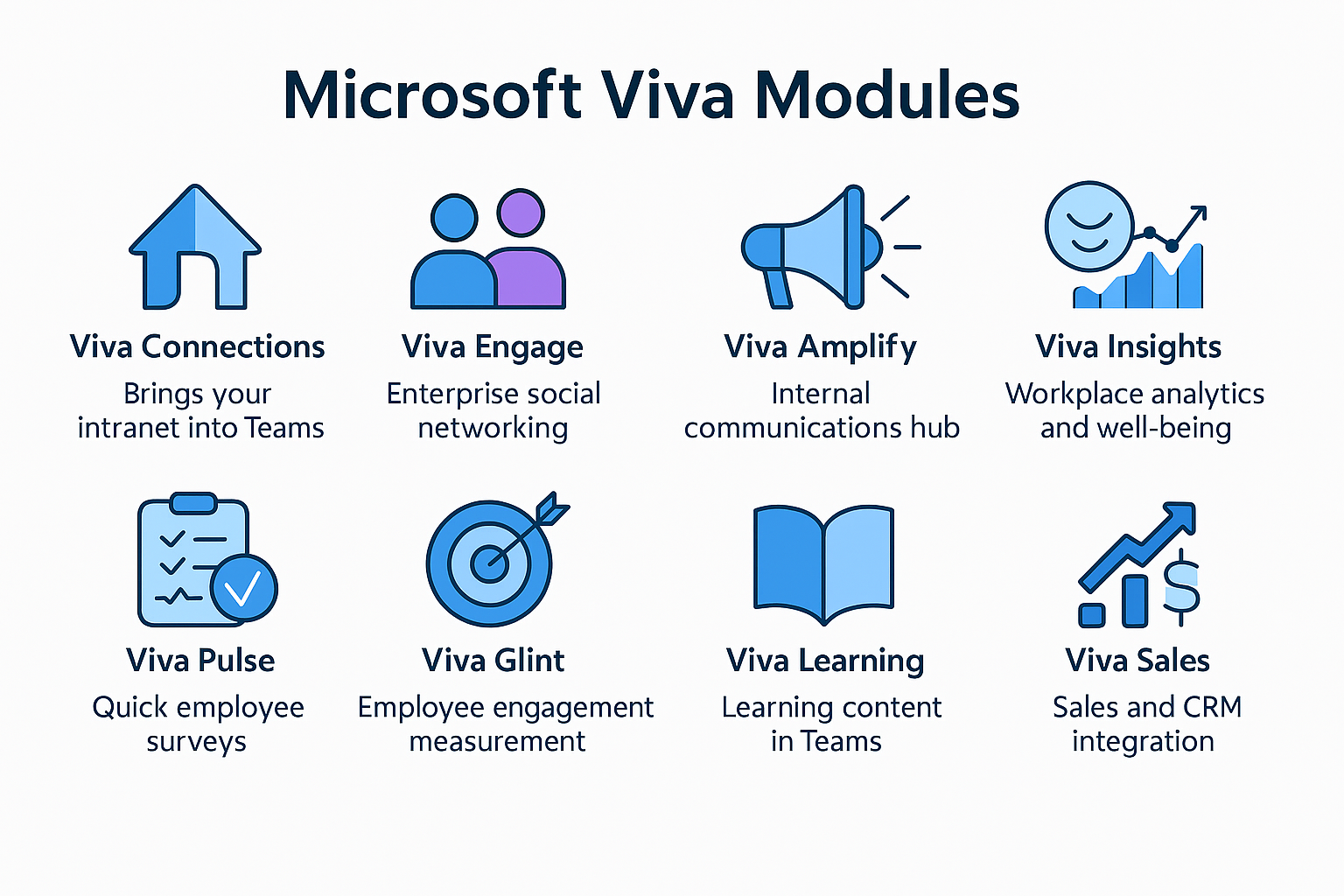
Core Viva Modules at a Glance (2026)
| Module | Primary Focus | Typical Value |
|---|---|---|
| Viva Connections | Intranet experience in Teams | Better internal communication and company portal |
| Viva Engage | Community, social interaction, and AI-powered Q&A | Stronger culture, knowledge sharing, and leadership reach |
| Viva Insights | Workplace analytics and manager coaching | Better manager and team habits, reduced burnout signals |
| Viva Learning | Learning content aggregation and AI recommendations | Faster skill development, personalized learning paths |
| Viva Goals | OKR tracking and strategic alignment | Clearer goal visibility from individual to company level |
| Viva Amplify | Multi-channel internal communications | One message, consistent delivery across Teams, Outlook, SharePoint, and Engage |
| Viva Pulse | Lightweight employee feedback and check-ins | Faster sentiment signals without survey fatigue |
What’s New in Viva in 2026
Microsoft 365 Copilot Across Viva
Copilot is now embedded across Viva modules. In Viva Insights, managers receive Copilot-generated summaries of team wellbeing signals. In Viva Learning, Copilot recommends personalized content based on role, skills gaps, and current projects. In Viva Engage, Copilot assists with drafting posts, summarizing community threads, and surfacing relevant answers through Answers in Viva.
Viva Pulse (Generally Available)
Viva Pulse is now fully GA. It enables managers and HR teams to send short, research-backed pulse surveys directly in Teams. Results are aggregated and anonymized, giving managers actionable feedback on team wellbeing, workload, and engagement without the overhead of traditional survey programs. Pulse integrates with Viva Insights to connect survey signals with behavioral data.
Viva Engage: Yammer Fully Retired
Yammer was retired on December 31, 2024. Viva Engage is now the sole community and social platform within Microsoft 365. Key additions in 2025–2026 include Leadership Corner for structured executive communication, Answers in Viva for AI-assisted Q&A, Campaigns for time-bound internal initiatives, and Copilot-powered Storylines for personalized content feeds.
Copilot for Sales (Formerly Viva Sales)
Viva Sales has been rebranded to Microsoft Copilot for Sales. It remains part of the broader Viva and Copilot ecosystem, providing AI-assisted CRM updates, meeting summaries, and sales workflow automation — now more tightly integrated with Microsoft 365 Copilot than with the original Viva suite.
Practical Adoption Roadmap
- Define the top workforce outcomes you need first — engagement, retention, manager effectiveness, communication reach, or skill development.
- Start with 1 or 2 modules tied to those outcomes.
- Measure adoption and behavioral change signals, not just license activation.
- Expand module coverage with governance and change management support.
- Layer in Copilot capabilities as user familiarity with base modules grows.
Key Success Factors
- Executive sponsorship and a clear, consistent communication cadence.
- Manager enablement with simple playbooks — especially for Viva Insights and Viva Pulse.
- Metrics tied to business KPIs: retention, learning completion, communication reach, manager effectiveness scores — not only click counts.
- Strong governance around content quality, community ownership, and data privacy.
- A phased Copilot enablement plan so AI features extend value rather than overwhelm users.
Frequently Asked Questions
Do we need all Viva modules on day one?
How is Viva different from Teams alone?
What should we measure after rollout?
What happened to Viva Sales?
Conclusion
Microsoft Viva in 2026 is most effective when treated as a structured business program with a clear module prioritization strategy, Copilot enablement plan, and governance framework — not a feature rollout.
If your organization is planning Microsoft Viva adoption or looking to deepen its current investment, ARC can help with strategy, implementation, governance, and optimization across the full Viva suite.
Frequently Asked Questions
What is Microsoft Viva?
Which Viva modules are available?
Is Viva included in Microsoft 365 licenses?
How does Viva protect employee privacy?
Can Viva integrate with non-Microsoft HR tools?

ARC Team
ARC Team
AI-powered Microsoft Solutions Partner delivering enterprise solutions on Azure, SharePoint, and Microsoft 365.
LinkedIn Profile