Automate SharePoint Approval Workflows for Documents
Automate SharePoint Approval Workflows for Documents is use SharePoint and Power Automate to replace manual approvals with tracked, auditable, and scalable document workflows.
Use SharePoint and Power Automate to replace manual approvals with tracked, auditable, and scalable document workflows.
ARC Team
· Updated May 4, 2026 · ARC Team

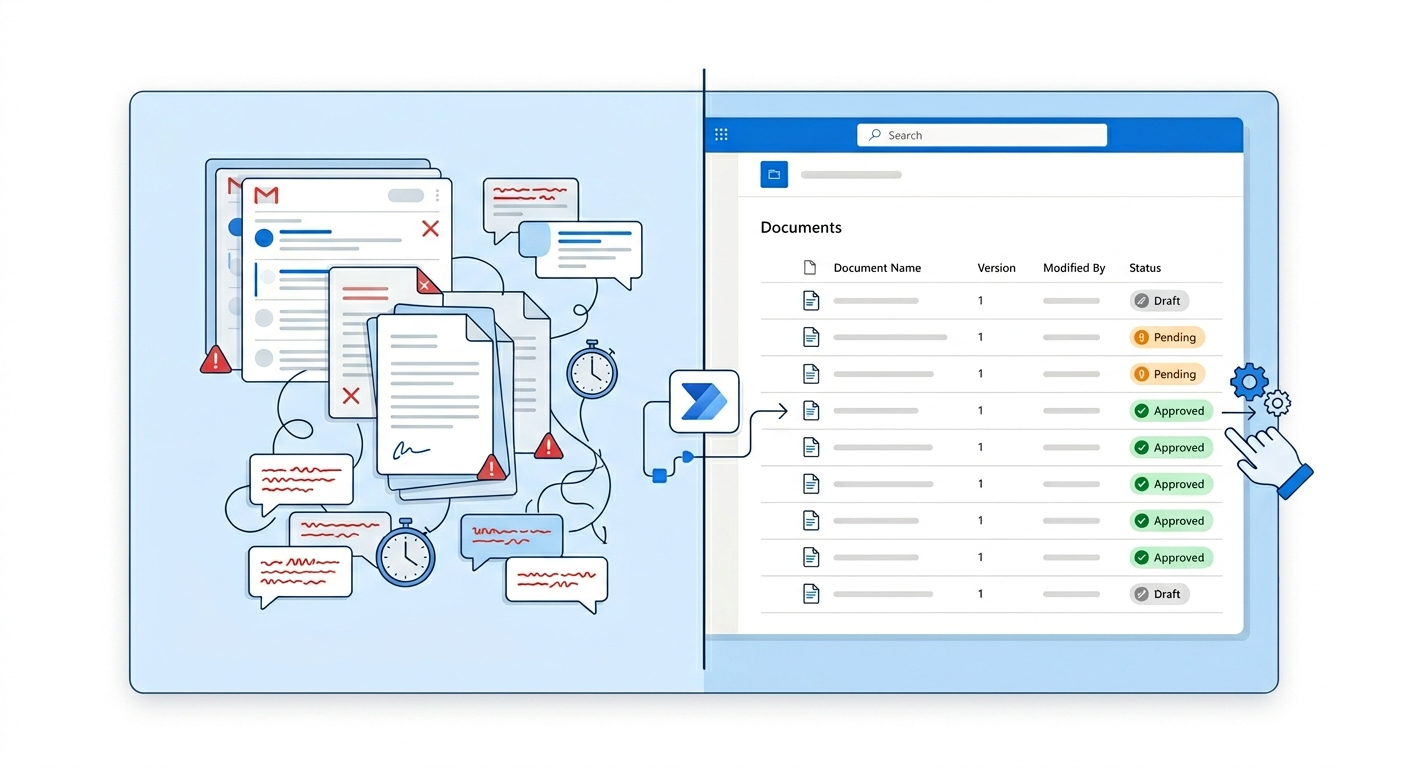
Manual approvals break at scale. Email threads hide status, version control drifts, and audit trails become painful to reconstruct.
If your team needs a governed document workflow with clear ownership and auditability, our SharePoint consulting services can help design the right approval model for your environment.
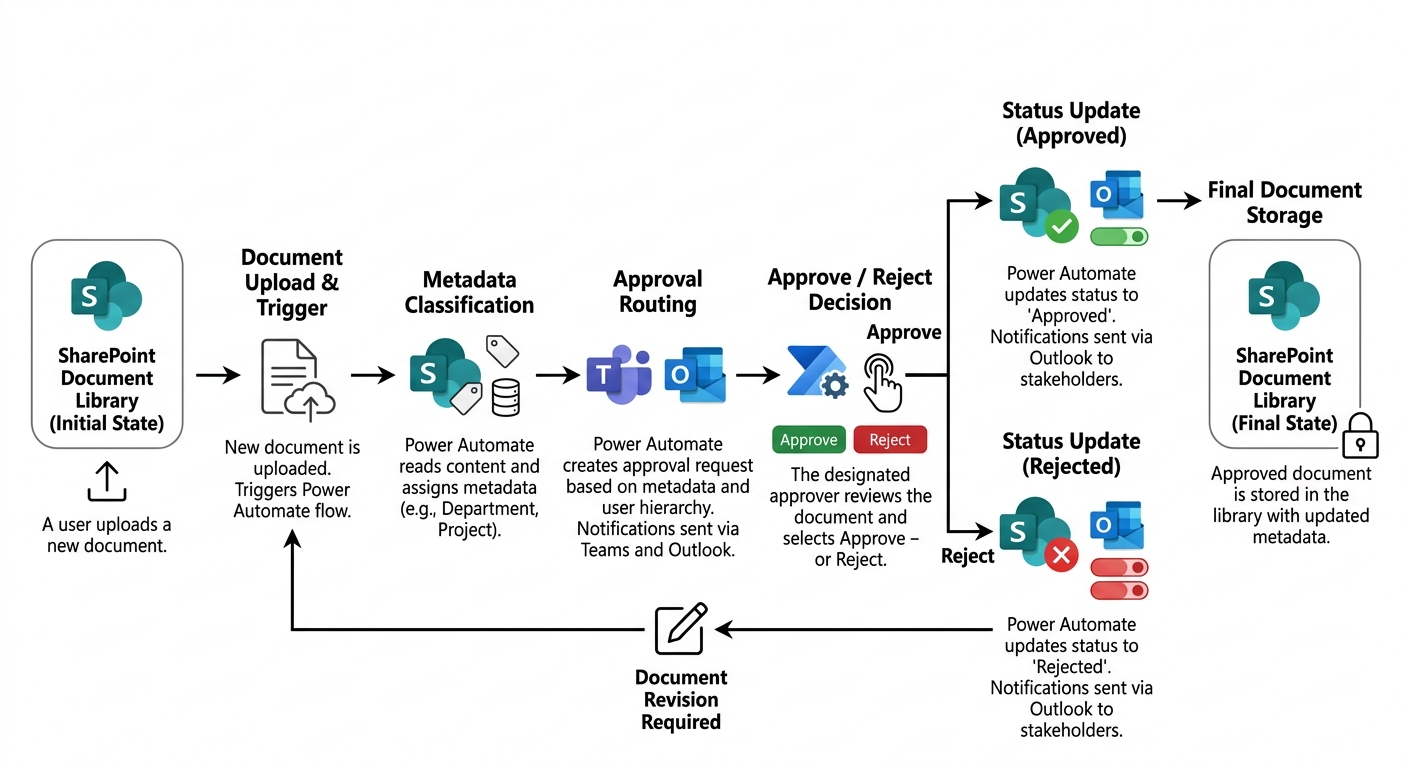
A SharePoint and Power Automate approval model gives teams one governed process for requests, decisions, and records.
Why Automate Approvals
- Clear ownership for each decision.
- Real-time visibility into pending and overdue approvals.
- Consistent audit evidence for compliance.
- Fewer delays caused by manual follow-ups.
Step-by-Step Implementation
- Configure a controlled SharePoint library with versioning.
- Define approval columns (status, approver, date, comments, due date).
- Add required metadata for dynamic routing.
- Build a Power Automate approval flow (sequential or parallel).
- Add reminders, escalation, and rejection loops.
- Write outcomes back to SharePoint for reporting.
Common Enterprise Use Cases
| Department | Typical Approval Scenarios |
|---|---|
| Legal | Contracts, policies, controlled templates |
| HR | Employee documents and policy updates |
| Finance | Invoices, procurement, exceptions |
| Operations | SOP updates and process change approvals |
Maturity Model Snapshot
- Level 1: Basic single-approver flow.
- Level 2: Structured role-based departmental flows.
- Level 3: Enterprise standardized templates.
- Level 4: AI-ready workflows with optimized metadata and analytics.
Frequently Asked Questions
Can SharePoint support multi-stage approvals?
How do we avoid stalled approvals?
What should be measured first?
Frequently Asked Questions
What is SharePoint Online?
SharePoint Online is a cloud-based platform for document management, intranet portals, team collaboration, and business process automation — included in Microsoft 365 Business and Enterprise plans.
How does SharePoint integrate with Microsoft Teams?
Every Teams channel has a SharePoint site behind it for file storage. SharePoint powers the document libraries, wiki pages, and list functionality within Teams.
Can SharePoint handle enterprise-scale content?
Yes. SharePoint Online supports millions of documents per library with enterprise search, metadata navigation, AI-powered classification, and compliance features built in.
Is SharePoint secure for sensitive documents?
Yes. SharePoint includes granular permissions, sensitivity labels, DLP policies, audit logging, conditional access, and retention policies to protect sensitive and regulated content.
How long does a SharePoint implementation take?
Simple team sites take 1-2 weeks. Enterprise intranet projects typically take 6-12 weeks including information architecture, design, development, content migration, and user training.

ARC Team
ARC Team
AI-powered Microsoft Solutions Partner delivering enterprise solutions on Azure, SharePoint, and Microsoft 365.
LinkedIn Profile