Business Central vs QuickBooks: When to Upgrade and How to Migrate
A QuickBooks to Business Central migration is the point where basic accounting software gives way to a full ERP platform for growing finance and operations teams.
Outgrown QuickBooks? Compare Business Central vs QuickBooks, see what data migrates, and get a step-by-step upgrade roadmap.
Al Rafay Consulting
· Updated July 17, 2026 · ARC Team
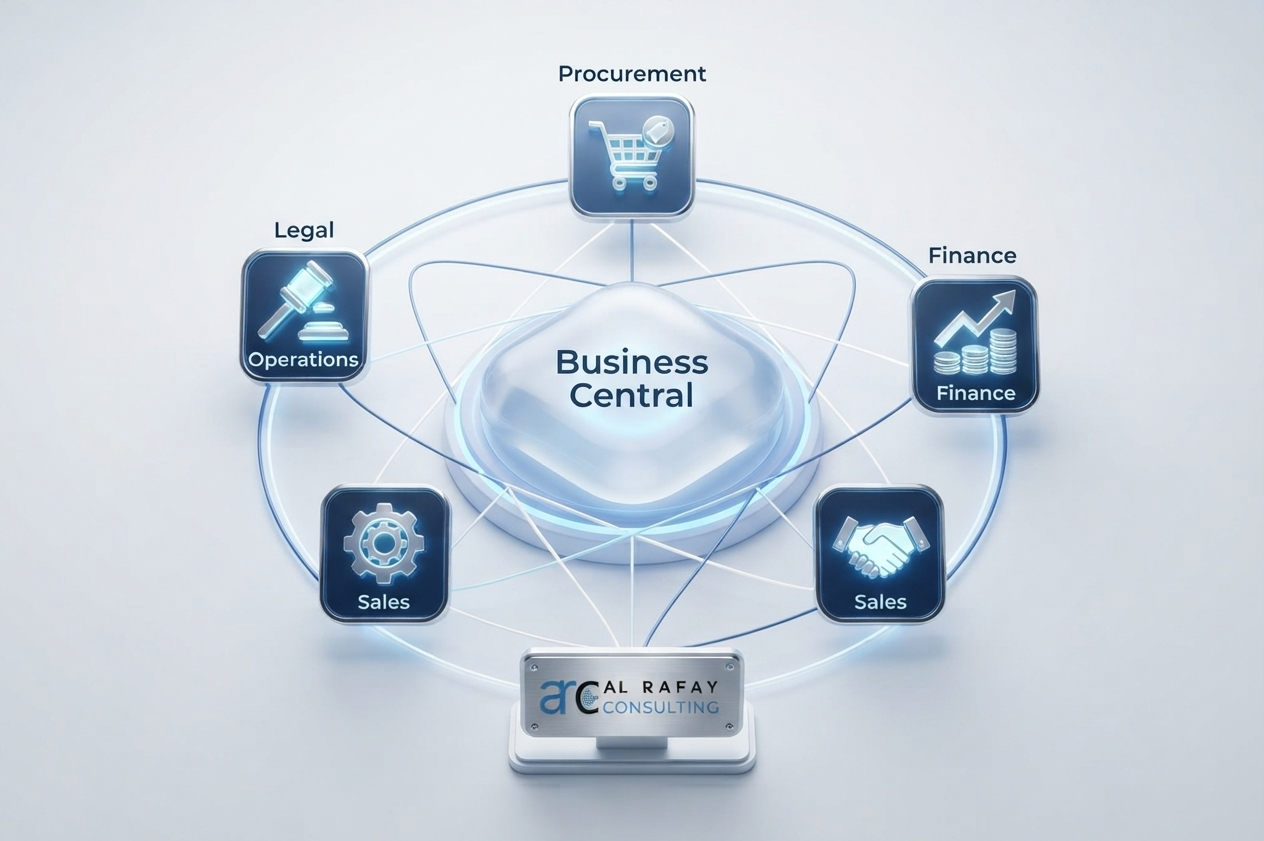
QuickBooks helped you move beyond spreadsheets. But if your close now takes two weeks, your inventory lives in separate tools, and leadership wants real-time reporting that QuickBooks cannot produce natively, the issue is no longer bookkeeping quality. It is platform fit.
That is where Business Central enters the picture. Microsoft Dynamics 365 Business Central is a cloud ERP platform that includes accounting and extends into inventory, manufacturing, operations, workflows, and connected reporting. For growing teams, the decision is usually not whether QuickBooks is broken. It is whether the business has outgrown the system it was built for.
If you are already mapping a move, start by reviewing ARC’s Dynamics 365 implementation approach, the Power Platform integration options that extend Business Central, and the data governance controls that keep the migration clean.
Quick Answer: Should You Upgrade?
| Stay on QuickBooks if… | Move to Business Central if… |
|---|---|
| Single entity, simple operations | Multiple entities, locations, or subsidiaries |
| Basic invoicing and bookkeeping are enough | Inventory, manufacturing, or supply chain complexity is growing |
| Reporting is manageable in Excel | Reporting needs real-time, consolidated insight |
| Few integrations to manage | Microsoft 365, Power Platform, and ERP integrations matter more |
| Low compliance pressure | Controls, audit trails, and governance are becoming requirements |
If two or more rows on the right describe your business today, the upgrade conversation is probably overdue.
Business Central vs QuickBooks: The Core Difference
The simplest way to frame it is this: QuickBooks is accounting software. Business Central is an ERP platform that includes accounting.
QuickBooks is built for bookkeeping, invoicing, and basic financial management. That works well until growth creates operational complexity. At that point, teams usually need a system that can manage inventory, procurement, approvals, reporting, and business rules in one connected environment rather than in a chain of spreadsheets and add-ons.
Business Central is designed for that broader scope. It integrates natively with Microsoft 365, Excel, Outlook, Teams, Power BI, and the Power Platform, which is why it fits organizations that already standardize on Microsoft tooling.
Signs You Have Outgrown QuickBooks
Common upgrade signals include:
- Multi-entity or multi-location consolidation is manual.
- Inventory, manufacturing, or warehouse tracking is happening outside the accounting system.
- Month-end close depends on exporting data to Excel and rebuilding reports by hand.
- Approval workflows and audit trails are becoming more important.
- Teams are adding tools faster than they can keep them in sync.
- User limits or process workarounds are slowing the finance team down.
If those patterns are familiar, the cost of staying on QuickBooks may already be higher than the cost of moving.
What Actually Migrates from QuickBooks
Microsoft’s standard QuickBooks migration tooling supports a defined set of core data:
- Customers and vendors
- Chart of accounts
- Inventory items and quantities
- Opening balances
- Open documents such as open invoices
That is enough to get the new ERP operational without trying to force a perfect historical lift-and-shift.
What does not move automatically is just as important:
- Purchase orders
- Sales orders
Those records usually need manual handling or project-specific cleanup as part of the migration plan.
Desktop vs Online Considerations
QuickBooks Online and QuickBooks Desktop do not migrate the same way. Microsoft’s documented Data Exporter Tool is built around older QuickBooks Desktop versions from 2017 and 2018, so newer Desktop environments can require extra scoping.
If you are on QuickBooks Desktop 2024 or a similarly recent release, do not assume the standard migration path will be identical. That is a partner-scoping question, not a template decision.
Migration Roadmap: A Practical Sequence
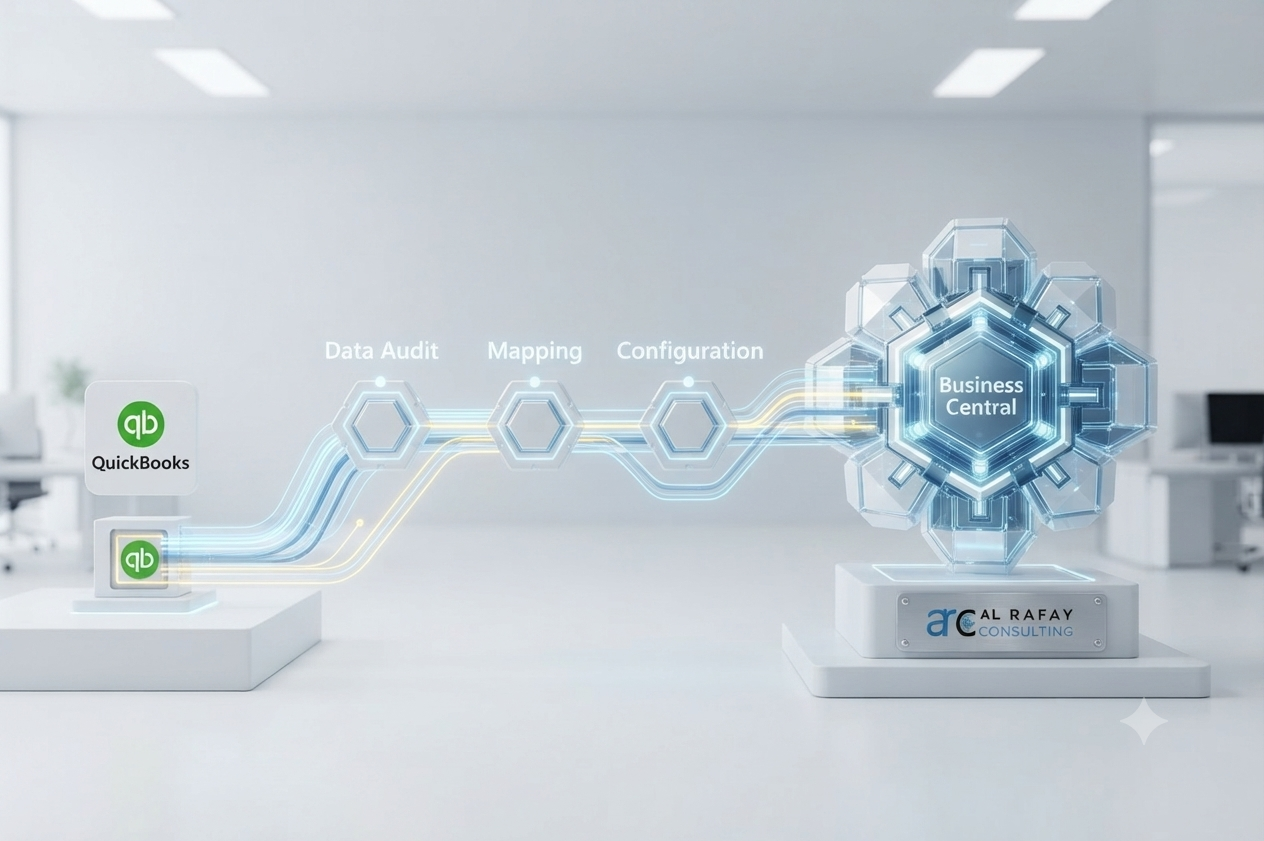
- Assess the current QuickBooks environment, integrations, and data quality.
- Clean the chart of accounts, vendor records, customer records, and inventory data.
- Map QuickBooks structures to Business Central’s data model.
- Configure Business Central modules, roles, and workflows.
- Migrate supported data and handle unsupported records separately.
- Test balances, reports, and operational workflows.
- Train finance, operations, and any adjacent teams.
- Go live with a controlled cutover.
- Provide hypercare and post-go-live support.

Why Data Governance Matters in This Migration
Migration is not just a technical data move. It is a governance exercise.
If the chart of accounts is messy, duplicate vendors exist, or ownership is unclear, Business Central will inherit those problems unless the project treats cleanup as a separate workstream. This is also where data governance and Power Platform integration help, because the upgrade is usually part of a larger Microsoft operating model.
The best projects decide deliberately how much history to move, which integrations to rebuild, and how to standardize controls before cutover.
Cost, ROI, and the Business Case
Business Central generally has a higher entry cost than QuickBooks, but the right comparison is not license price alone. The real question is whether manual work, reporting debt, and disconnected tools are already costing more than a better platform would.
Typical cost drivers include:
- Data volume and cleanup effort
- Number of entities and locations
- Custom workflows and integrations
- Training and change management
- Ongoing support after go-live
If the business is still small and simple, QuickBooks may remain the better fit. If the team is spending more time working around the system than working in it, Business Central usually wins on total cost of ownership.
When Not to Migrate Yet
Staying on QuickBooks still makes sense if:
- You are a single-entity business with straightforward operations.
- Inventory is minimal and easy to track.
- Standard reports still answer the business questions you need.
- The disruption of migration would outweigh the operational pain.
There is no prize for migrating early. The right time is when the cost of staying is clearly higher than the cost of moving.
Choosing a Dynamics 365 Implementation Partner
Partner quality matters because QuickBooks migrations are rarely clean lifts.
Evaluate a partner on:
- Microsoft credentials and Dynamics 365 implementation experience
- QuickBooks-specific migration depth
- Data cleanup and mapping discipline
- Change management and training support
- Hypercare and post-go-live support
ARC positions itself as a Microsoft-focused Dynamics 365 implementation partner that also covers Power Platform integration and data governance as part of the rollout, not as afterthoughts.
Common Challenges to Avoid
The most common failure points are:
- Migrating dirty data into a new system.
- Assuming every record migrates automatically.
- Underestimating training and adoption work.
- Rebuilding reports and integrations at the last minute.
- Treating the move as a pure IT project instead of a cross-functional business change.
The fix is straightforward: scope the project early, clean the data before migration, and align finance, operations, and IT before cutover.
Conclusion
Business Central is not the right answer for every company. But once QuickBooks stops matching the way the business actually operates, the conversation shifts from accounting software to ERP architecture.
If you are managing more entities, more integrations, more controls, or more reporting pressure than QuickBooks can handle, the upgrade is worth evaluating now rather than later.
For a practical next step, connect with ARC through our Dynamics 365 implementation team, review Power Platform integration options, and use our contact page to schedule a readiness assessment.
Frequently Asked Questions
What is the difference between QuickBooks and Business Central?
QuickBooks is accounting software focused on bookkeeping, invoicing, and basic financial tracking. Business Central is a full ERP platform that includes accounting alongside inventory, manufacturing, operations, and reporting in one connected system.
When should a company migrate from QuickBooks to Business Central?
Typically when the business has outgrown single-entity, low-complexity operations - for example, when managing multiple entities, real inventory or manufacturing needs, growing workflow or audit requirements, or increasing integration complexity.
Can Business Central replace QuickBooks completely?
Yes, for the accounting functions QuickBooks handles, while also extending into ERP capabilities QuickBooks doesn't offer natively, such as advanced inventory, manufacturing, and multi-entity consolidation.
What data can be migrated from QuickBooks to Business Central?
Microsoft's standard migration tools support customers, vendors, chart of accounts, inventory items and quantities, opening balances, and open documents such as open invoices.
What doesn't migrate automatically from QuickBooks?
Purchase orders and sales orders are not migrated by Microsoft's standard QuickBooks Data Migration Extension and typically need to be handled manually as part of the project.
Can QuickBooks Desktop 2024 migrate directly to Business Central?
Microsoft's documented Data Exporter Tool is built around older QuickBooks Desktop versions from 2017 and 2018. Migrating from newer Desktop versions can involve additional complexity and should be scoped specifically with an implementation partner.
How long does a QuickBooks to Business Central migration take?
Timelines vary based on data complexity, number of entities, and customization needs. A partner-led scoping exercise during the assessment phase gives an accurate estimate for a specific environment.
Do accountants and bookkeepers need retraining after migration?
Yes. Training is one of the most commonly underestimated parts of migration, and planning dedicated training time and change management support significantly improves adoption.
Should we migrate all historical transactions, or just opening balances?
Many companies choose to migrate only opening balances and open transactions rather than full historical detail, since this significantly simplifies migration, but it should be a deliberate decision made during the assessment phase.
Do we need a Dynamics 365 implementation partner for migration?
While Microsoft provides migration tooling, a partner with QuickBooks-specific migration experience helps manage data cleanup, handle unsupported data types, structure change management, and reduce go-live risk.

Al Rafay Consulting
ARC Team
AI-powered Microsoft Solutions Partner delivering enterprise solutions on Azure, SharePoint, and Microsoft 365.
LinkedIn Profile