Copilot Pages: Collaborate with AI Across Teams
Copilot Pages is microsoft 365 Copilot Pages turns AI chat into shared, editable workspaces that improve collaboration, execution speed, and knowledge retention.
Learn how Microsoft 365 Copilot Pages turns AI chat into shared, editable workspaces that improve collaboration, execution speed, and knowledge retention.
ARC Team
· Updated April 9, 2026 · ARC Team

Organizations looking to strengthen this area can work with Copilot consulting.
Most teams use AI to draft ideas, but the output often gets trapped in chat threads. Copilot Pages changes that by converting AI responses into shareable, editable collaboration assets that teams can refine together.
For enterprises, this means less copy-paste, fewer version conflicts, and better continuity from idea to execution.
What Copilot Pages Solves
Traditional AI chat is useful for quick drafting, but collaboration often breaks when teams must manually transfer content into documents and workflows. Copilot Pages creates a persistent workspace where AI-generated output can evolve into team-owned deliverables.
How Copilot Pages Works in Practice
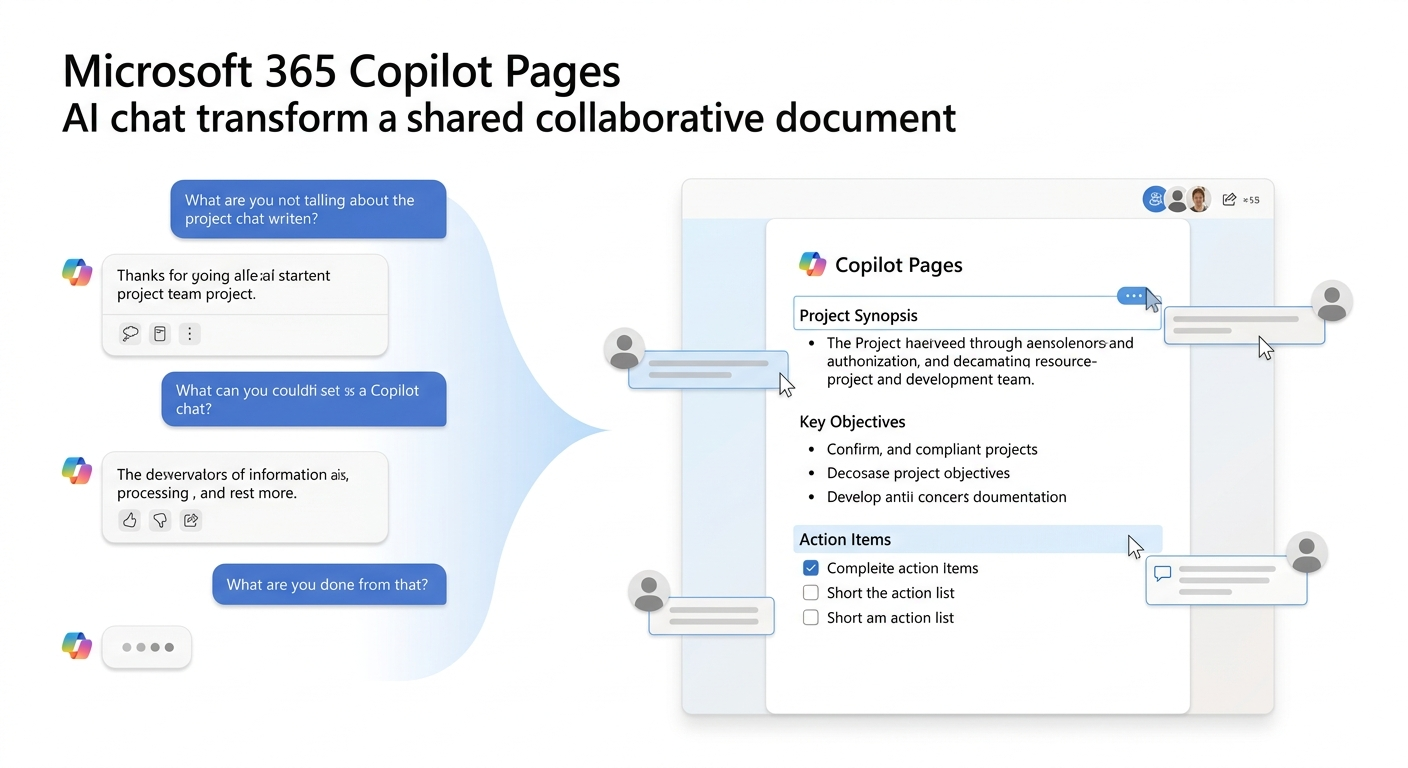
Generate in Copilot Chat
Start with a structured prompt to produce project briefs, summaries, action plans, or decision notes.
Convert to Copilot Page
Move output to Pages so it becomes a persistent, editable workspace.
Co-Author and Share
Collaborate in real time across Teams and Outlook to keep everyone aligned on one source of truth.
Deployment Framework
| Phase | Focus | Outcome |
|---|---|---|
| Phase 1 | Use-case selection and standards | Clear rollout priorities |
| Phase 2 | Pilot workflows and templates | Repeatable collaboration model |
| Phase 3 | Scale and governance integration | Enterprise-ready adoption |
Phase 1: Define High-Value Scenarios
Select use cases such as meeting recap workflows, project briefs, SOP drafting, and cross-functional action tracking.
Phase 2: Pilot with Real Teams
Deploy in a controlled group, test template quality, and validate how Pages integrates with existing Microsoft 365 collaboration habits.
Phase 3: Scale with Governance
Apply data classification, sharing controls, and lifecycle expectations so Pages remains aligned to enterprise policy requirements.
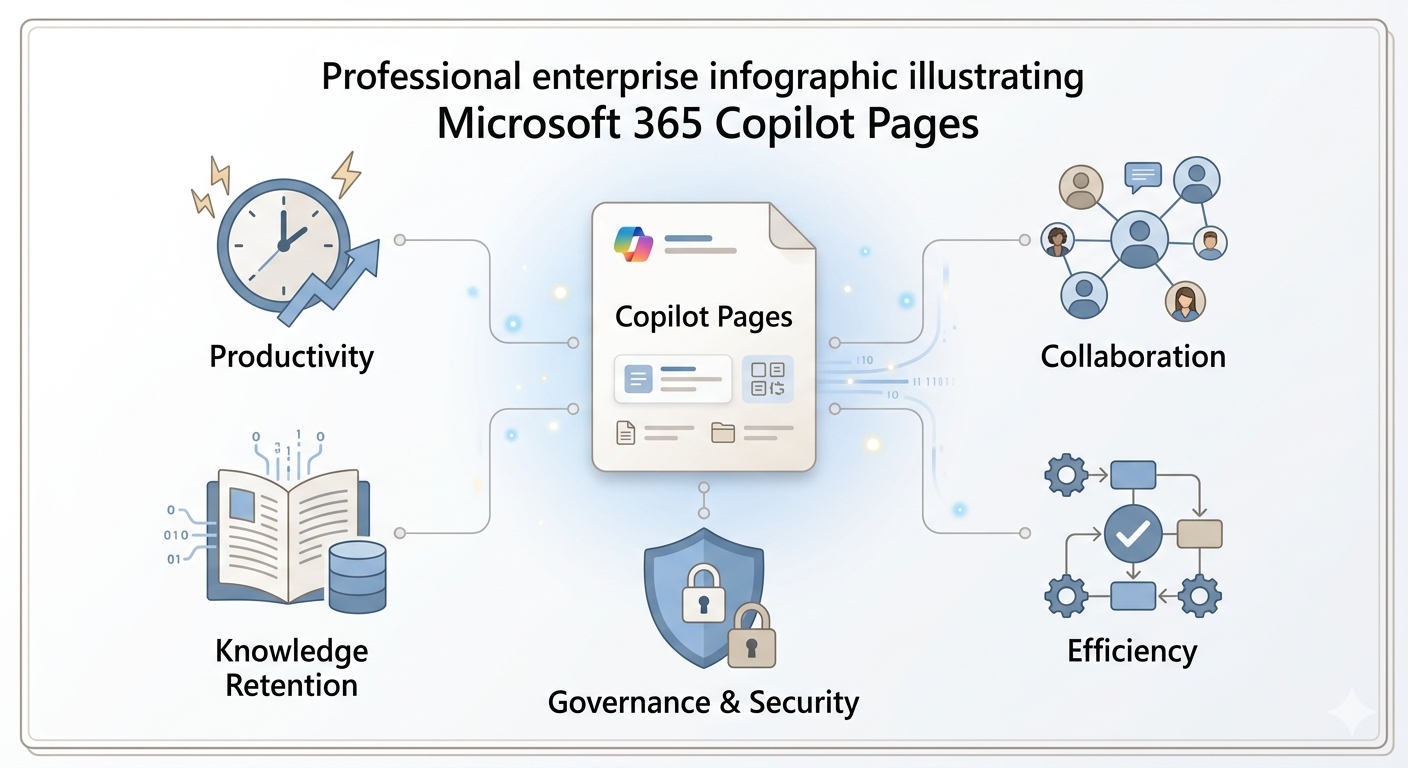
Business Benefits
- Faster Team Execution: AI output becomes actionable work artifacts faster.
- Reduced Rework: Shared pages reduce duplicated document creation.
- Better Knowledge Retention: Important AI-assisted work is preserved and discoverable.
- Improved Cross-Team Alignment: Live collaboration reduces communication lag.
Common Adoption Mistakes
- Treating Copilot Pages as a personal drafting tool only
- Rolling out without standard templates for key workflows
- Ignoring ownership and page lifecycle expectations
- Skipping governance controls for shared content
Frequently Asked Questions
Is Copilot Pages only for Microsoft 365 power users?
No. It is designed for everyday team collaboration and can be adopted broadly with simple templates and usage guidance.
Does Copilot Pages support real-time co-authoring?
Yes. Teams can collaboratively edit and update pages similarly to other Microsoft 365 collaborative experiences.
How should organizations start with Copilot Pages?
Start with a few high-frequency use cases and pilot teams, then expand after validating workflow value and governance fit.
What governance controls should be considered?
Define access rules, sensitivity expectations, ownership responsibilities, and retention and lifecycle standards before wide deployment.
Conclusion
Copilot Pages helps organizations move from AI-generated ideas to collaborative execution with less friction and better continuity. With the right operating model, it becomes a strong enabler of enterprise productivity and knowledge flow.
If your organization is evaluating Copilot Pages, ARC can help with strategy, rollout planning, governance, and optimization.
Frequently Asked Questions
Is Copilot Pages only for Microsoft 365 power users?
No. It is designed for everyday team collaboration and can be adopted broadly with simple templates and usage guidance.
Does Copilot Pages support real-time co-authoring?
Yes. Teams can collaboratively edit and update pages similarly to other Microsoft 365 collaborative experiences.
How should organizations start with Copilot Pages?
Start with a few high-frequency use cases and pilot teams, then expand after validating workflow value and governance fit.
What governance controls should be considered?
Define access rules, sensitivity expectations, ownership responsibilities, and retention and lifecycle standards before wide deployment.

ARC Team
ARC Team
AI-powered Microsoft Solutions Partner delivering enterprise solutions on Azure, SharePoint, and Microsoft 365.
LinkedIn Profile