OneDrive for Business Setup and Sync: Do It Right the First Time
OneDrive for Business Setup and Sync is a practical setup and sync framework for OneDrive for Business to improve adoption, reduce file chaos, and strengthen security controls.
Learn a practical setup and sync framework for OneDrive for Business to improve adoption, reduce file chaos, and strengthen security controls.
ARC Team
· Updated May 10, 2026 · ARC Team

OneDrive for Business works best when setup is intentional. Without clear defaults, users create fragmented file locations, sync issues, and sharing risk.
A successful rollout combines technical configuration, policy design, and user training. For endpoint backup enforcement and recovery readiness, this rollout pattern is often paired with onedrive kfm standards. If your organization is standardizing collaboration and file ownership across departments, our SharePoint consulting services can help you put the right governance model in place.
Start with the Correct Foundation
- Validate licensing and sign-in method with Entra ID.
- Configure sync client policies and known folder behavior.
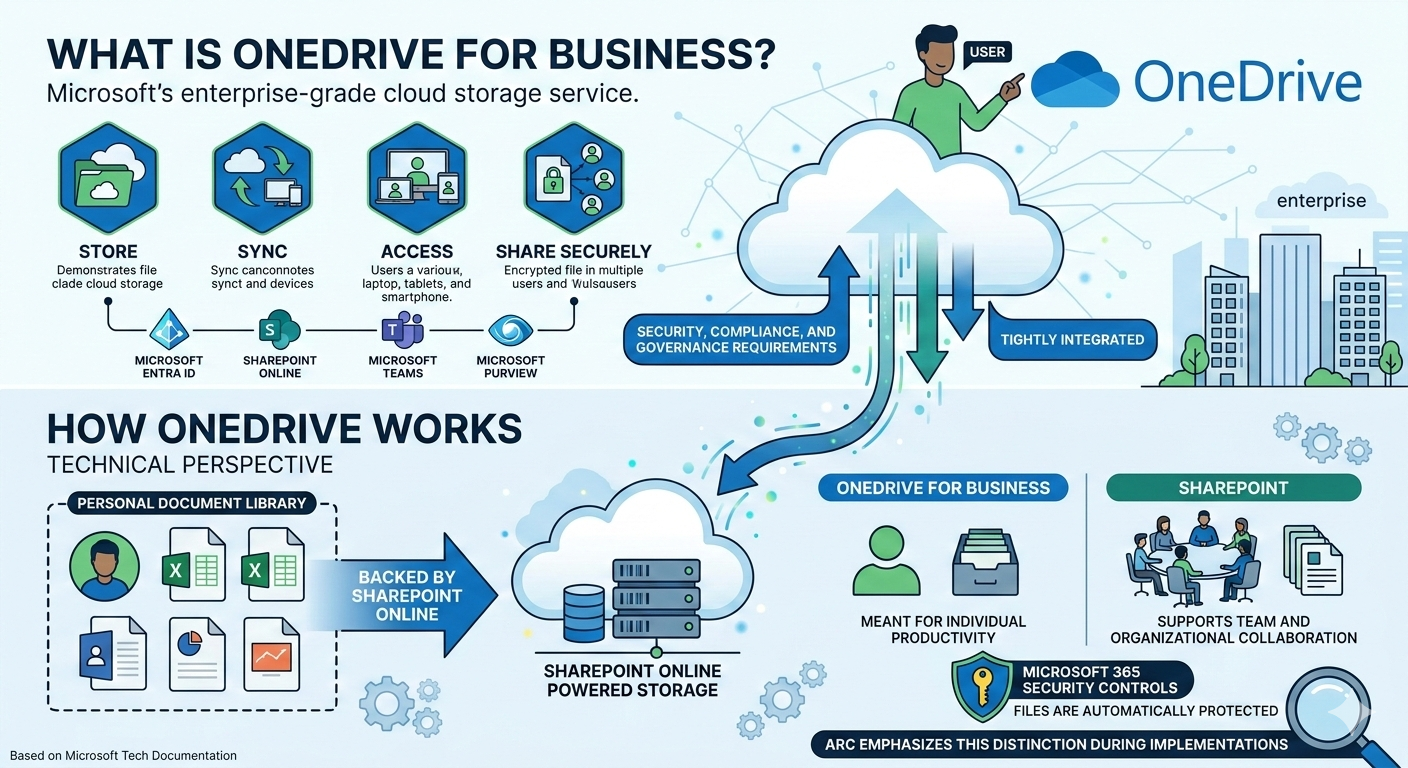
- Define personal workspace boundaries versus team-owned SharePoint content.
- Establish external sharing defaults before broad rollout.
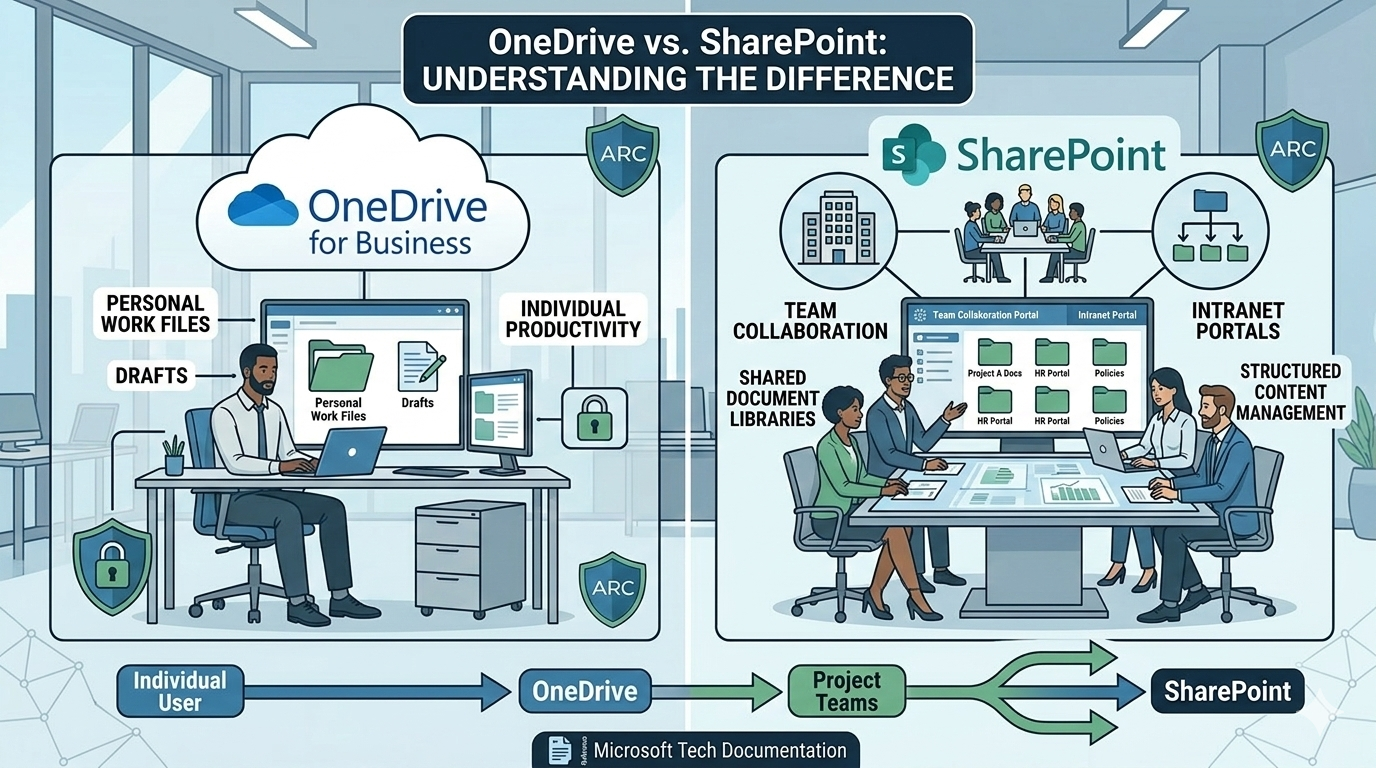
OneDrive vs SharePoint During Setup
| Question | OneDrive | SharePoint |
|---|---|---|
| Who owns the content? | Individual user | Team or department |
| Primary use case | Personal productivity | Structured collaboration |
| Lifecycle governance | Limited | Strong |
| Sync behavior | User-centered | Library-centered |
Step-by-Step Rollout Sequence
- Pilot with a representative user group.
- Enable secure sync and known folder protection.
- Train users on where to store and share files.
- Monitor sync health and sharing activity for 30 days.
Security and Sharing Controls You Should Not Skip
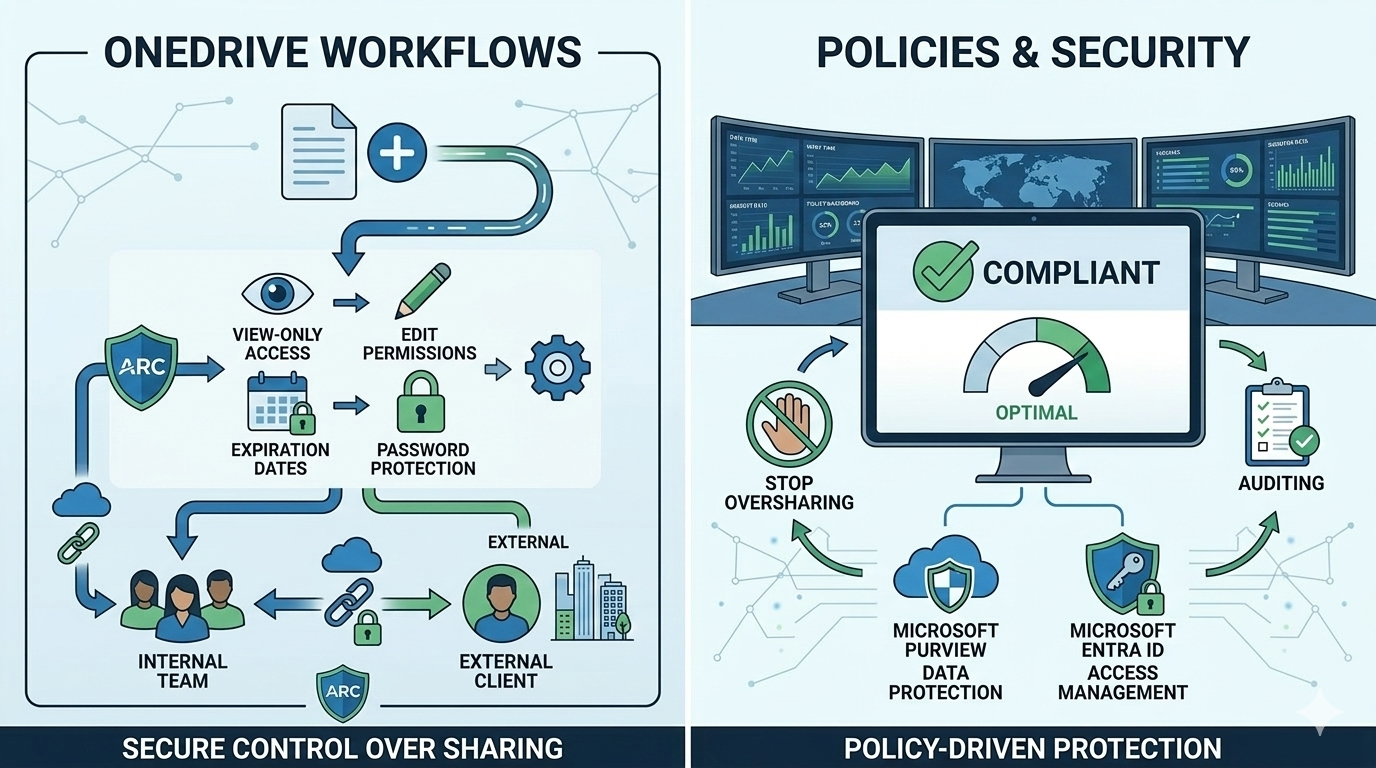
- Use view-only defaults for external recipients.
- Require expiration dates for time-bound sharing.
- Apply sensitivity labels for high-value documents.
- Track activity and revoke stale permissions regularly.
Frequently Asked Questions
Should every user sync all OneDrive content locally?
When should files move from OneDrive to SharePoint?
How long should a pilot run before full deployment?
Conclusion
OneDrive for Business setup is not just a technical toggle. It is an operating model decision that affects collaboration, risk, and productivity.
If your organization is rolling out OneDrive for Business, ARC can help with strategy, implementation, governance, and optimization.
Work with Al Rafay Consulting: explore our OneDrive for Business services to put this into practice, or book a free assessment.
Frequently Asked Questions
What is SharePoint Online?
SharePoint Online is a cloud-based platform for document management, intranet portals, team collaboration, and business process automation — included in Microsoft 365 Business and Enterprise plans.
How does SharePoint integrate with Microsoft Teams?
Every Teams channel has a SharePoint site behind it for file storage. SharePoint powers the document libraries, wiki pages, and list functionality within Teams.
Can SharePoint handle enterprise-scale content?
Yes. SharePoint Online supports millions of documents per library with enterprise search, metadata navigation, AI-powered classification, and compliance features built in.
Is SharePoint secure for sensitive documents?
Yes. SharePoint includes granular permissions, sensitivity labels, DLP policies, audit logging, conditional access, and retention policies to protect sensitive and regulated content.
How long does a SharePoint implementation take?
Simple team sites take 1-2 weeks. Enterprise intranet projects typically take 6-12 weeks including information architecture, design, development, content migration, and user training.

ARC Team
ARC Team
AI-powered Microsoft Solutions Partner delivering enterprise solutions on Azure, SharePoint, and Microsoft 365.
LinkedIn Profile