Copilot in Dynamics 365: What It Actually Does
Copilot in Dynamics 365 is Microsoft's embedded AI layer across CRM and ERP workflows for summarizing, drafting, analyzing, recommending, and agent-led automation.
Discover what Copilot in Dynamics 365 does across Sales, Service, Finance & Supply Chain - features, benefits, risks, and a readiness checklist.
ARC Team
· Updated July 16, 2026 · ARC Team
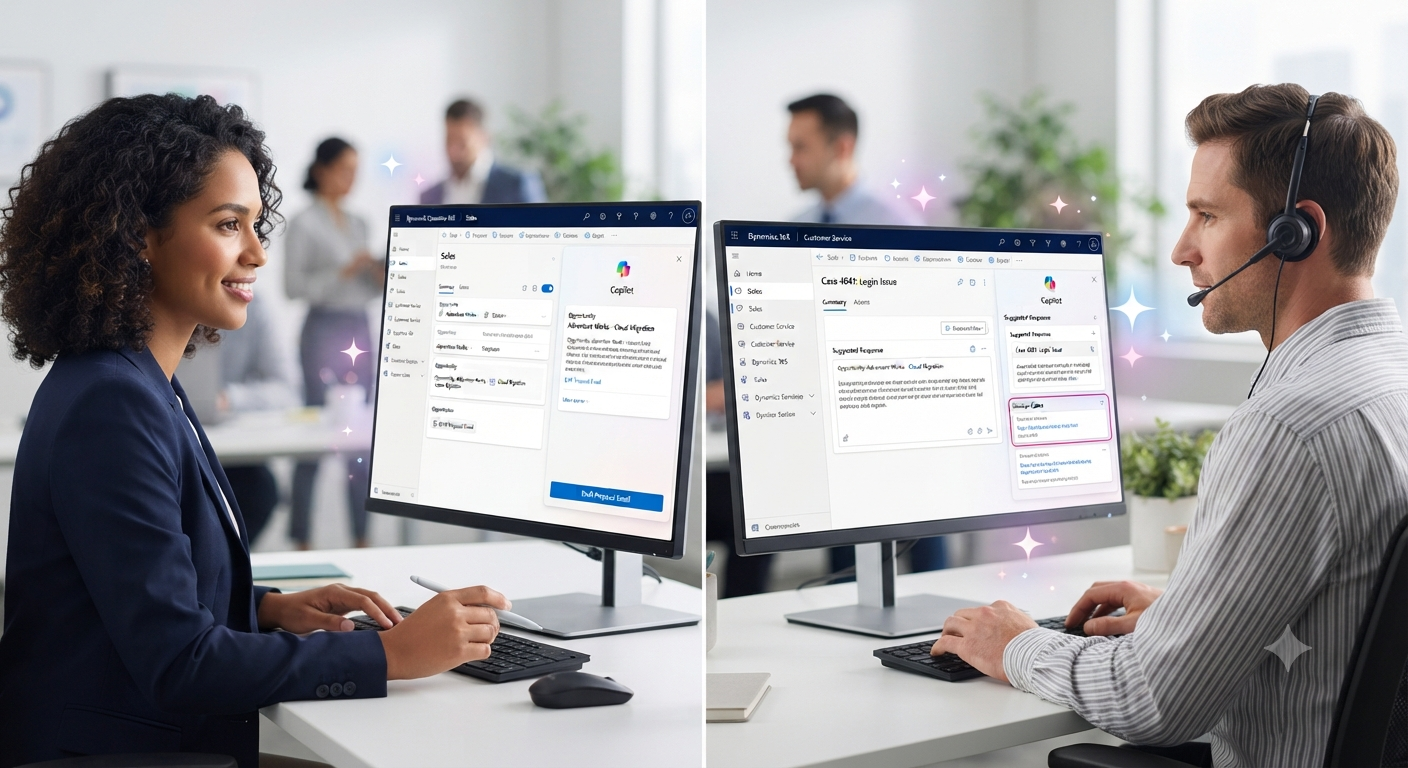
Your sales reps are drowning in CRM data entry. Your service agents are toggling between multiple screens to answer one customer question. Your finance team is still matching invoices line by line. Meanwhile, “Copilot in Dynamics 365” keeps showing up in Microsoft release updates, but most teams still ask the same question: what does it actually do?
That is the gap this article closes.
Copilot in Dynamics 365 is Microsoft’s AI layer built directly into CRM and ERP applications. It summarizes records, drafts emails, answers natural-language questions about your data, flags risks, and increasingly hands off multi-step tasks to autonomous agents.
What Is Copilot in Dynamics 365?
Simple Definition
Copilot in Dynamics 365 is an AI assistant embedded across Microsoft’s CRM and ERP applications. It uses generative AI grounded in your Dataverse and operational data to summarize records, draft content, answer questions, analyze trends, and support daily workflows.
Think of it as contextual assistance inside existing records and process screens, not a separate app.
Copilot vs Microsoft 365 Copilot vs Copilot Studio vs AI Agents
| Term | What It Actually Is |
|---|---|
| Copilot in Dynamics 365 | AI assistance built directly into Dynamics 365 apps for summarizing, drafting, and analyzing business data |
| Microsoft 365 Copilot | AI assistant for Word, Excel, Outlook, Teams, and PowerPoint |
| Copilot Studio | Low-code platform for building and customizing agents |
| AI Agents in Dynamics 365 | Autonomous or semi-autonomous multi-step processes with human checkpoints |
Copilot responds to prompts. Agents can execute sequences like lead qualification, case triage, or reconciliation with oversight.
What Copilot Does Across Dynamics 365 Apps
Dynamics 365 Sales
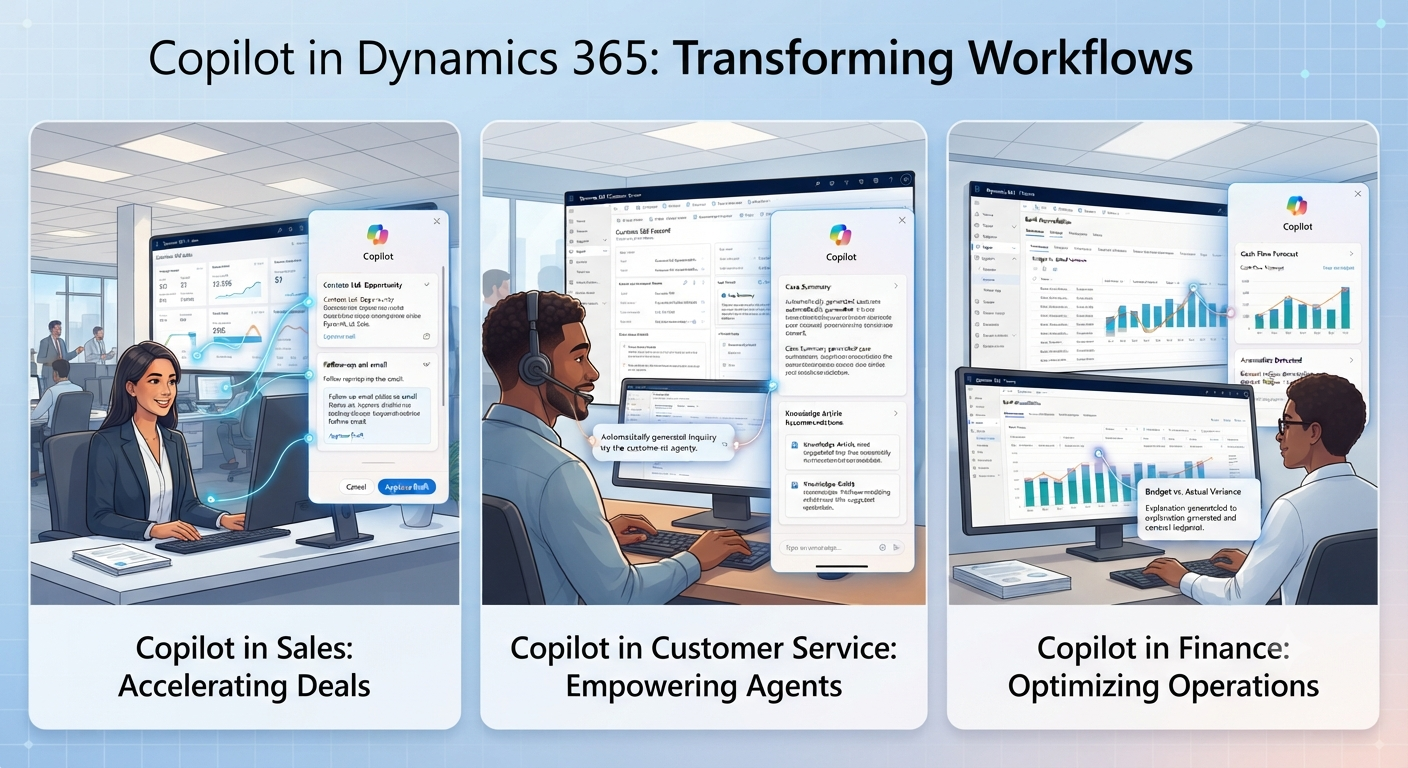
- Summarizes opportunity and account records
- Drafts follow-up emails based on CRM context
- Prepares meeting briefs with recent activity and open actions
- Surfaces risk signals and competitor mentions
- Supports lead qualification through Sales Qualification Agent patterns
Customer Service and Contact Center
- Summarizes long case histories
- Drafts responses using case and knowledge-base context
- Suggests relevant articles during active cases
- Supports triage and quality operations through service agents
Business Central
- Summarizes financial and operational records
- Assists with reconciliation and anomaly spotting
- Suggests line items using historical patterns
Finance
- Supports Q&A over finance and operations data
- Assists with bank reconciliation and discrepancy detection
- Summarizes close-cycle tasks and outstanding items
Supply Chain Management
- Flags forecast and procurement risks
- Drafts supplier communications
- Supports routine communications via agent-led workflows
Customer Insights, Field Service, and Project Operations
- Unifies and summarizes profile insights
- Assists scheduling and service coordination
- Drafts status summaries from operational data

Copilot Capabilities by Business Function
- Summarize records, cases, and interactions
- Draft emails, responses, and knowledge articles
- Analyze trends, anomalies, and risks
- Recommend next best actions
- Automate repetitive tasks
- Orchestrate multi-step work with agents
How Copilot Works Behind the Scenes
Typical flow:
Dynamics 365 apps -> Dataverse data -> Microsoft Graph context -> Azure OpenAI models -> Copilot or agent output -> human review.
Copilot respects existing role-based permissions. It does not bypass data access rules. If permissions are misconfigured, Copilot will still reflect those boundaries, so governance remains essential.
Benefits of Copilot in Dynamics 365
- Less manual status work and data entry
- Faster customer response cycles
- Better forecasting support for finance and supply chain
- Reduced repetitive effort through assisted or agent-led tasks
- Improved cross-team alignment through unified context
Limitations and Risks
- AI output is not automatically authoritative and requires human review
- Data quality issues reduce output usefulness
- Governance and training gaps can reduce adoption
- Copilot accelerates process execution but does not fix broken processes by itself
Copilot-Readiness Checklist
Data Readiness
- De-duplicate key CRM/ERP entities
- Standardize categorization and required fields
- Archive or flag stale historical records
Permissions Readiness
- Validate role-based access models
- Restrict sensitive data correctly
- Audit over-permissioned admin roles
Licensing Readiness
- Confirm included vs add-on Copilot capabilities
- Validate cross-product licensing assumptions
- Budget pilot and scale phases separately
Change Management Readiness
- Assign role champions
- Define human-review policy for external content
- Track measurable before/after KPIs
Best Rollout Path
Start with one high-value, low-risk use case. Pilot for 60-90 days. Measure impact. Expand in phases.
Organizations without bandwidth for data cleanup and governance design often accelerate outcomes with Dynamics 365 Implementation.
Relevant planning links:
- Power Platform and Dataverse consulting
- Power BI and Business Intelligence services
- Microsoft 365 services
- Data governance and Microsoft Purview services
- Business Central implementation checklist
Key Takeaways
- Copilot in Dynamics 365 is embedded AI across Sales, Service, Business Central, Finance, Supply Chain, Customer Insights, Field Service, and Project Operations.
- It summarizes, drafts, analyzes, recommends, automates, and with agents can orchestrate multi-step tasks.
- It is grounded in Dataverse and Azure OpenAI and respects existing permissions.
- Value depends on data quality, permission accuracy, and governance.
- Best rollout path: one high-value use case, then pilot and measure, then expand.
- Human review remains essential for AI-generated outputs.
- A partner can accelerate readiness where internal bandwidth is limited.
See exactly where your CRM and ERP environment stands with a free Dynamics 365 Copilot readiness assessment from Al Rafay Consulting - 3x Microsoft Partner, 300+ projects delivered.
Frequently Asked Questions
What is Copilot in Dynamics 365?
Copilot in Dynamics 365 is Microsoft's AI assistant built into Dynamics 365 CRM and ERP applications, used to summarize records, draft content, answer questions, and support workflow automation.
What does Copilot do in Dynamics 365?
It summarizes records and cases, drafts emails and knowledge articles, analyzes data for trends and anomalies, recommends next steps, and through AI agents automates multi-step processes.
Which Dynamics 365 apps have Copilot?
Sales, Customer Service, Business Central, Finance, Supply Chain Management, Customer Insights, Field Service, and Project Operations all include Copilot capabilities, with feature depth varying by app.
Is Copilot secure for CRM and ERP data?
Copilot operates within an organization's existing role-based permissions and does not bypass established access controls, though overall security still depends on the accuracy of that permission model.
Do I need a Dynamics 365 implementation partner for Copilot?
It is not strictly required, but organizations without dedicated internal capacity for data cleanup, governance design, and phased rollout planning often move faster and avoid costly missteps with an experienced partner.
How does Copilot work in Dynamics 365 Sales?
It summarizes opportunities and accounts, drafts follow-up emails, prepares meeting briefs, and via a Sales Qualification Agent can help qualify inbound leads.
What can Copilot do in Dynamics 365 Customer Service?
It summarizes case histories, drafts customer responses, suggests relevant knowledge articles, and supports case triage through dedicated service agents.

ARC Team
ARC Team
AI-powered Microsoft Solutions Partner delivering enterprise solutions on Azure, SharePoint, and Microsoft 365.
LinkedIn Profile